

Your graphics add a nice touch to my presentations and I recently used them for one of my all-hands meetings. Your toolbox adds professionalism to my slides. Instead of using standard clipart.
Claude Jones, Director of Engineer, @Walmartlabs, USA

Your graphics add a nice touch to my presentations and I recently used them for one of my all-hands meetings. Your toolbox adds professionalism to my slides. Instead of using standard clipart.
Claude Jones, Director of Engineer, @Walmartlabs, USA
I needed a fresh look at some of my slides. I've tried to find a way to create a paintbrush effect, to underline, accentuate, add some color and the handwritten markers were just the things. Very easy to use, easy to size, change the color. It was an affordable, perfect solution and I'm happy to recommend it.
Anonymous, US
The crisp, clean look of the graphics, and the fact that it allowed me to easily edit and change the colors to match the template was my main reason for purchasing them.
Brandie Jenkins, E-learning Developer, USA
Im angehängten Bild der PowerPoint-Folie ist kein expliziter Folientitel sichtbar.
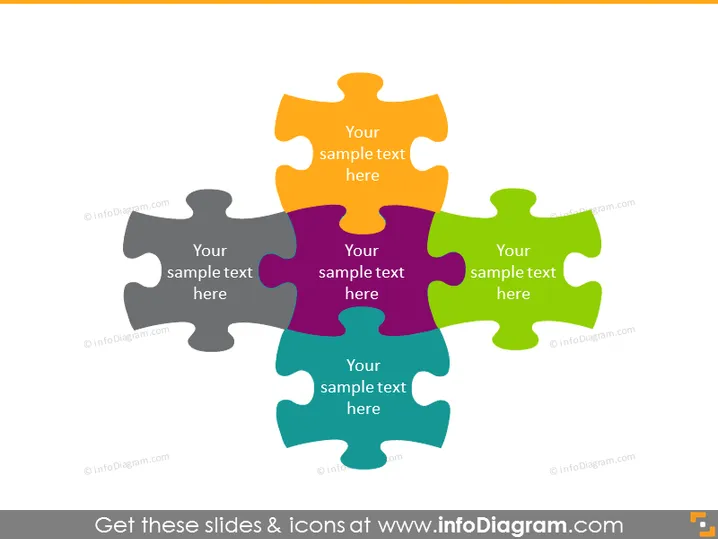
Die Folie zeigt eine vierteilige Puzzle-Illustration, bei der jedes Teil Textfelder zum Einfügen von Informationen enthält. Die miteinander verbundenen Puzzlestücke symbolisieren verschiedene Elemente, die intrinsisch miteinander verbunden oder notwendig sind, um ein vollständiges Konzept zu bilden oder ein spezifisches Problem zu lösen. Jedes Puzzlestück hat eine andere Farbe – grau, orange, lila und grün – und deutet auf Vielfalt der Komponenten hin, die Teil eines größeren Bildes oder einer Strategie sind.
Die Folie hat ein sauberes und modernes Aussehen, mit einer zentralen Metapher eines Puzzles, das Interkonnektivität und Einheit illustriert. Die Farbwahl und die Platzierung der Elemente bieten eine visuell ansprechende Möglichkeit, komplexe Informationen darzustellen, die zusammenkommen, um eine kohärente Idee oder Lösung zu bilden.



