

Your graphics add a nice touch to my presentations and I recently used them for one of my all-hands meetings. Your toolbox adds professionalism to my slides. Instead of using standard clipart.
Claude Jones, Director of Engineer, @Walmartlabs, USA

Your graphics add a nice touch to my presentations and I recently used them for one of my all-hands meetings. Your toolbox adds professionalism to my slides. Instead of using standard clipart.
Claude Jones, Director of Engineer, @Walmartlabs, USA
I needed a fresh look at some of my slides. I've tried to find a way to create a paintbrush effect, to underline, accentuate, add some color and the handwritten markers were just the things. Very easy to use, easy to size, change the color. It was an affordable, perfect solution and I'm happy to recommend it.
Anonymous, US
The crisp, clean look of the graphics, and the fact that it allowed me to easily edit and change the colors to match the template was my main reason for purchasing them.
Brandie Jenkins, E-learning Developer, USA
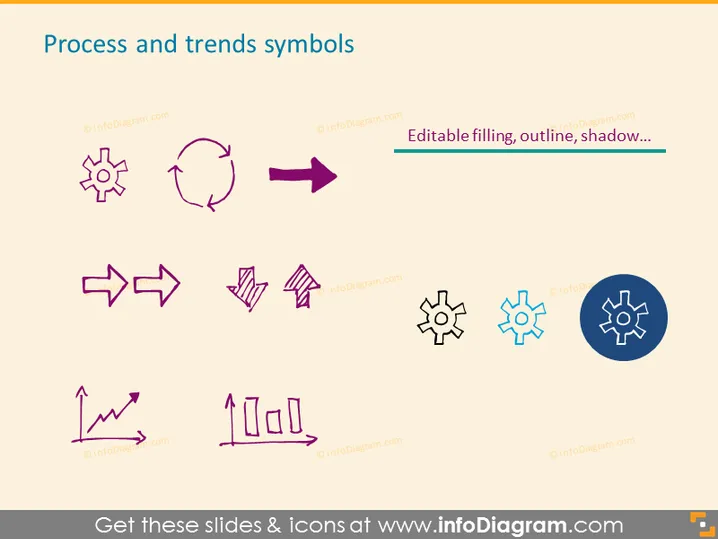
Diese PowerPoint-Folie trägt den Titel "Symbole für Prozesse und Trends" und zeigt eine Vielzahl grafischer Icons, die jeweils ein anderes Konzept im Zusammenhang mit Prozessen oder Trends darstellen. Das Zahnradsymbol repräsentiert typischerweise Maschinen oder Operationen, der kreisförmige Pfeil deutet auf einen Zyklus oder Prozessschleife hin, und nach rechts gerichtete Pfeile zeigen oft Richtung oder Fortschritt an. Die zwei miteinander verbundenen Pfeile könnten Synchronisierung oder Konnektivität symbolisieren, während die multidirektionalen Pfeile Flexibilität oder Wahlmöglichkeiten implizieren könnten. Ein aufsteigendes Trenddiagramm wird häufig mit Wachstum oder Erfolg assoziiert, und das Säulendiagramm mit Linien steht für analytische Daten oder Vergleichsstatistiken. Schließlich repräsentiert das Fabriksymbol industrielle Prozesse oder Fertigung, und das letzte Zahnrad in einem Kreis symbolisiert Einstellungen oder Konfiguration.



