

Your graphics add a nice touch to my presentations and I recently used them for one of my all-hands meetings. Your toolbox adds professionalism to my slides. Instead of using standard clipart.
Claude Jones, Director of Engineer, @Walmartlabs, USA

Your graphics add a nice touch to my presentations and I recently used them for one of my all-hands meetings. Your toolbox adds professionalism to my slides. Instead of using standard clipart.
Claude Jones, Director of Engineer, @Walmartlabs, USA
I needed a fresh look at some of my slides. I've tried to find a way to create a paintbrush effect, to underline, accentuate, add some color and the handwritten markers were just the things. Very easy to use, easy to size, change the color. It was an affordable, perfect solution and I'm happy to recommend it.
Anonymous, US
The crisp, clean look of the graphics, and the fact that it allowed me to easily edit and change the colors to match the template was my main reason for purchasing them.
Brandie Jenkins, E-learning Developer, USA
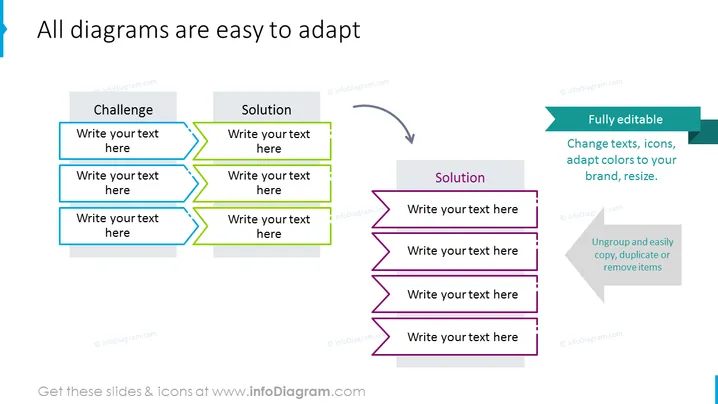
Diese PowerPoint-Folie präsentiert eine anpassbare Vorlage, um den Prozess der Transformation einer Herausforderung in eine Lösung zu veranschaulichen. Es gibt zwei Spalten: links steht 'Herausforderung' über drei Textfeldern, in denen spezifische Herausforderungen detailliert werden können. Rechts erscheint 'Lösung' über drei entsprechenden Textfeldern für Lösungen. Ein Pfeil verbindet jede Herausforderung mit ihrer Lösung und zeigt einen Fluss oder eine Entwicklung an. Auf der rechten Seite gibt es einen eigenständigen Abschnitt 'Lösung', der Anpassungsfähigkeit betont mit Optionen wie "Texte ändern, Icons anpassen, Farben an Ihre Marke anpassen, Größe ändern," und "Gruppierung aufheben und Elemente einfach kopieren, duplizieren oder entfernen."



