
Your graphics add a nice touch to my presentations and I recently used them for one of my all-hands meetings. Your toolbox adds professionalism to my slides. Instead of using standard clipart.
Claude Jones, Director of Engineer, @Walmartlabs, USA
Your graphics add a nice touch to my presentations and I recently used them for one of my all-hands meetings. Your toolbox adds professionalism to my slides. Instead of using standard clipart.
Claude Jones, Director of Engineer, @Walmartlabs, USA
I needed a fresh look at some of my slides. I've tried to find a way to create a paintbrush effect, to underline, accentuate, add some color and the handwritten markers were just the things. Very easy to use, easy to size, change the color. It was an affordable, perfect solution and I'm happy to recommend it.
Anonymous, US
The crisp, clean look of the graphics, and the fact that it allowed me to easily edit and change the colors to match the template was my main reason for purchasing them.
Brandie Jenkins, E-learning Developer, USA
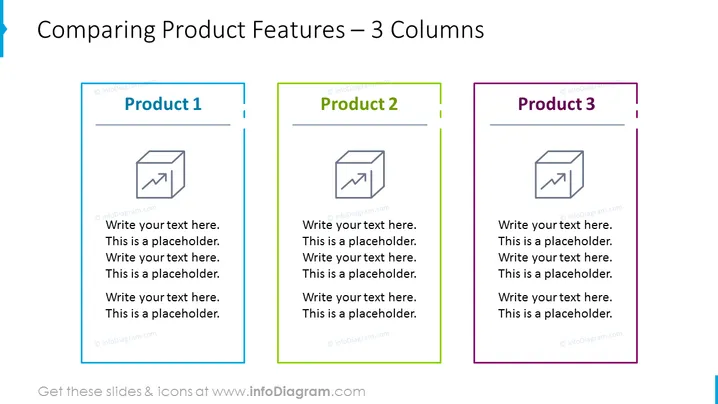
Die Folie ist so gestaltet, dass die Merkmale von drei Produkten nebeneinander verglichen werden, wobei jedem Produkt eine eigene Spalte zugewiesen ist. "Produkt 1", "Produkt 2" und "Produkt 3" sind jeweils an der Oberseite ihrer entsprechenden Spalten überschrieben, gefolgt von Platzhalter-Textfeldern zur Eingabe einer Beschreibung der Merkmale jedes Produkts. Dieses Layout ist besonders nützlich, um Unterschiede oder Alleinstellungsmerkmale zwischen mehreren Produkten in einem Portfolio zu veranschaulichen.
Die visuelle Zusammensetzung der Folie ist sauber und organisiert und nutzt Farbcodierung, um zwischen den drei Produkten zu unterscheiden und gleichzeitig ein kohärentes Design beizubehalten. Die Symbole fügen ein grafisches Element hinzu, das einen Fokus auf progressive Merkmale oder Vorteile suggeriert.




