

Your graphics add a nice touch to my presentations and I recently used them for one of my all-hands meetings. Your toolbox adds professionalism to my slides. Instead of using standard clipart.
Claude Jones, Director of Engineer, @Walmartlabs, USA

Your graphics add a nice touch to my presentations and I recently used them for one of my all-hands meetings. Your toolbox adds professionalism to my slides. Instead of using standard clipart.
Claude Jones, Director of Engineer, @Walmartlabs, USA
I needed a fresh look at some of my slides. I've tried to find a way to create a paintbrush effect, to underline, accentuate, add some color and the handwritten markers were just the things. Very easy to use, easy to size, change the color. It was an affordable, perfect solution and I'm happy to recommend it.
Anonymous, US
The crisp, clean look of the graphics, and the fact that it allowed me to easily edit and change the colors to match the template was my main reason for purchasing them.
Brandie Jenkins, E-learning Developer, USA
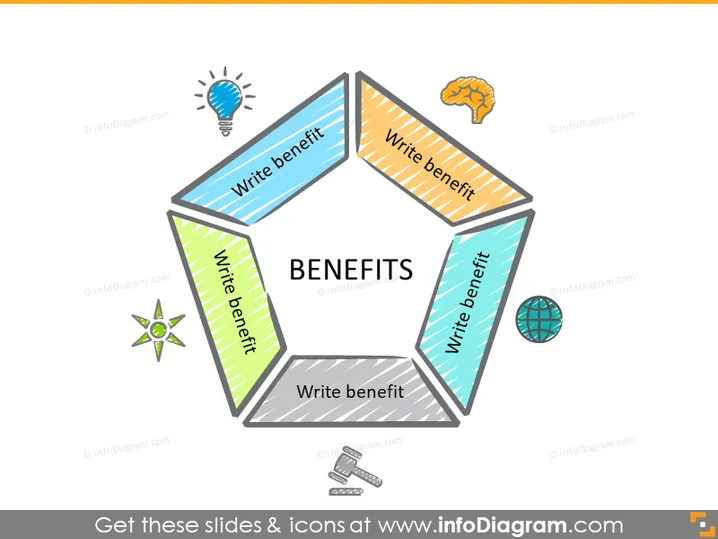
Die PowerPoint-Folie ist so gestaltet, dass sie Vorteile aufzeigt, wobei jeder Abschnitt dazu auffordert, "Vorteil schreiben". Es gibt sechs Segmente, potenziell für sechs verschiedene Vorteile, die einen umfassenden Überblick über ein Produkt, eine Dienstleistung oder eine Strategie ermöglichen. Jedes Segment könnte erklären, wie ein Merkmal in einen Vorteil für den Kunden umgewandelt wird, die Effizienz steigert, zur Kosteneinsparung beiträgt, ein einzigartiges Verkaufsangebot bietet, sich positiv auf das Wohlbefinden auswirkt oder die Nachhaltigkeitsziele unterstützt.
Die Gesamterscheinung ist modern, mit einem sauberen Design, das Farben und Icons effizient nutzt, um eine visuell ansprechende und organisierte Präsentation der Vorteile zu schaffen. Der 3D-Effekt und die Schatten verleihen der Folie ein dynamisches und ansprechendes Aussehen.



