

Your graphics add a nice touch to my presentations and I recently used them for one of my all-hands meetings. Your toolbox adds professionalism to my slides. Instead of using standard clipart.
Claude Jones, Director of Engineer, @Walmartlabs, USA

Your graphics add a nice touch to my presentations and I recently used them for one of my all-hands meetings. Your toolbox adds professionalism to my slides. Instead of using standard clipart.
Claude Jones, Director of Engineer, @Walmartlabs, USA
I needed a fresh look at some of my slides. I've tried to find a way to create a paintbrush effect, to underline, accentuate, add some color and the handwritten markers were just the things. Very easy to use, easy to size, change the color. It was an affordable, perfect solution and I'm happy to recommend it.
Anonymous, US
The crisp, clean look of the graphics, and the fact that it allowed me to easily edit and change the colors to match the template was my main reason for purchasing them.
Brandie Jenkins, E-learning Developer, USA
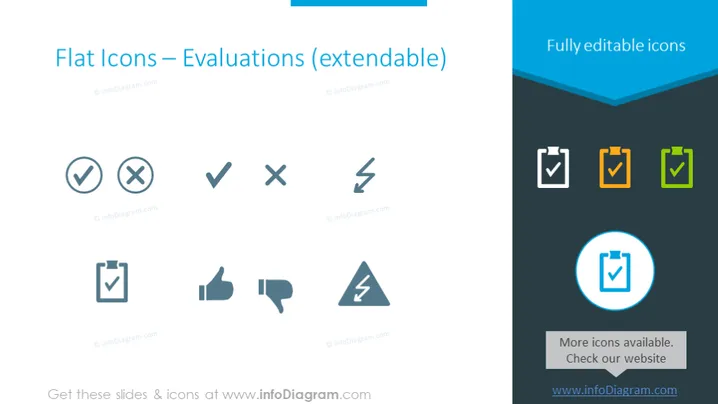
Die PowerPoint-Folie präsentiert eine Sammlung von Icons, die mit Auswertungen verbunden sind. Die Icons umfassen Variationen von Häkchen und Kreuzzeichen, die Konzepte wie Zustimmung, Ablehnung, korrekt, inkorrekt oder Abschluss darstellen. Darüber hinaus gibt es ein Daumen-hoch-Icon, das allgemein Zustimmung oder Einigkeit signalisiert, und ein Daumen-runter-Icon, das oft Ablehnung oder Meinungsverschiedenheit anzeigt. Jedes Icon ist so gestaltet, dass es einfach und leicht erkennbar ist, und folgt einer flachen Designästhetik, die für ihre Einfachheit und Klarheit bekannt ist.
Die Folie hat ein modernes und sauberes Erscheinungsbild mit einer guten Balance zwischen Text und visuellen Elementen. Sie nutzt Farben effektiv, um zwischen verfügbaren Icons zu unterscheiden und ein Icon zur Hervorhebung in den Vordergrund zu rücken.



