

Your graphics add a nice touch to my presentations and I recently used them for one of my all-hands meetings. Your toolbox adds professionalism to my slides. Instead of using standard clipart.
Claude Jones, Director of Engineer, @Walmartlabs, USA

Your graphics add a nice touch to my presentations and I recently used them for one of my all-hands meetings. Your toolbox adds professionalism to my slides. Instead of using standard clipart.
Claude Jones, Director of Engineer, @Walmartlabs, USA
I needed a fresh look at some of my slides. I've tried to find a way to create a paintbrush effect, to underline, accentuate, add some color and the handwritten markers were just the things. Very easy to use, easy to size, change the color. It was an affordable, perfect solution and I'm happy to recommend it.
Anonymous, US
The crisp, clean look of the graphics, and the fact that it allowed me to easily edit and change the colors to match the template was my main reason for purchasing them.
Brandie Jenkins, E-learning Developer, USA
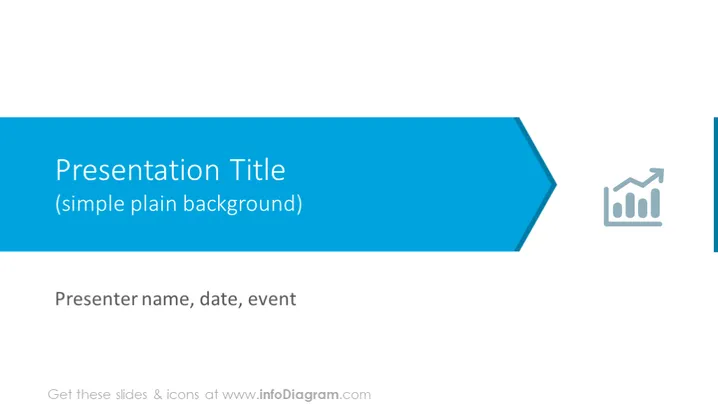
Die PowerPoint-Folie ist für die Einführung einer Präsentation oder eines Abschnitts innerhalb dieser gestaltet. Die Folie bietet einen Platz für einen "Präsentationstitel" und ermöglicht eine kurze Erklärung zum Kernthema der Präsentation. Außerdem enthält sie einen Untertitel-Bereich für "einfachen, klaren Hintergrund", der normalerweise für eine sekundäre Klärung oder einen Hinweis bezüglich der Designwahl verwendet wird. Schließlich gibt es einen Bereich für den "Referentennamen, Datum, Veranstaltung", der wesentliche Informationen zur Präsentation bietet und Kontext sowie Personalisierung für das Publikum erleichtert.
Die Folie verwendet ein sauberes, professionelles Design mit Blautönen, das Klarheit und Fokus vermittelt. Die Verwendung des Pfeils und des Balkendiagramm-Symbols deutet auf einen geschäftlichen oder analytischen Kontext für den Inhalt hin.



