

Your graphics add a nice touch to my presentations and I recently used them for one of my all-hands meetings. Your toolbox adds professionalism to my slides. Instead of using standard clipart.
Claude Jones, Director of Engineer, @Walmartlabs, USA

Your graphics add a nice touch to my presentations and I recently used them for one of my all-hands meetings. Your toolbox adds professionalism to my slides. Instead of using standard clipart.
Claude Jones, Director of Engineer, @Walmartlabs, USA
I needed a fresh look at some of my slides. I've tried to find a way to create a paintbrush effect, to underline, accentuate, add some color and the handwritten markers were just the things. Very easy to use, easy to size, change the color. It was an affordable, perfect solution and I'm happy to recommend it.
Anonymous, US
The crisp, clean look of the graphics, and the fact that it allowed me to easily edit and change the colors to match the template was my main reason for purchasing them.
Brandie Jenkins, E-learning Developer, USA
Leider ist im bereitgestellten Bild kein expliziter Folientitel vorhanden.
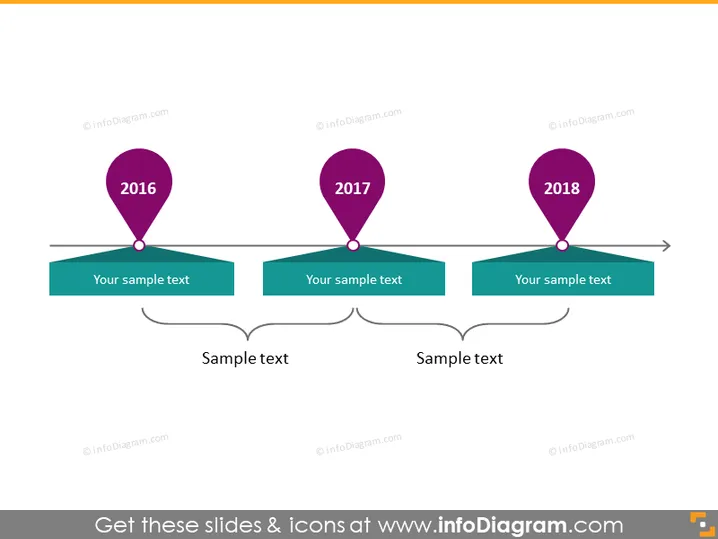
Die PowerPoint-Folie zeigt eine Zeitleiste mit drei Meilensteinen für die Jahre 2016, 2017 und 2018. Jedes Jahr ist mit einem spezifischen Standort-Pin-Symbol gekennzeichnet, das auf bedeutende Ereignisse oder Phasen hinweist. Unter jedem Jahr gibt es ein Textfeld, um beschreibende Informationen zu jedem Meilenstein hinzuzufügen. Dies hilft, die Bedeutung jedes Jahres auf der Zeitleiste zu erläutern. Zusätzlich gibt es zwei miteinander verbundene Textfelder am unteren Rand, die möglicherweise zur Zusammenfassung oder zur Herstellung von Verbindungen zwischen den Meilensteinen dienen.
Die Folie hat ein sauberes, professionelles Erscheinungsbild mit einem minimalistischen Stil, der Unordnung vermeidet. Der Einsatz von kräftigen Farben für die Pins und die Verbindung zu ihren entsprechenden Textkästchen macht die Zeitleiste visuell ansprechend und leicht nachvollziehbar.



