
Your graphics add a nice touch to my presentations and I recently used them for one of my all-hands meetings. Your toolbox adds professionalism to my slides. Instead of using standard clipart.
Claude Jones, Director of Engineer, @Walmartlabs, USA

Your graphics add a nice touch to my presentations and I recently used them for one of my all-hands meetings. Your toolbox adds professionalism to my slides. Instead of using standard clipart.
Claude Jones, Director of Engineer, @Walmartlabs, USA

I needed a fresh look at some of my slides. I've tried to find a way to create a paintbrush effect, to underline, accentuate, add some color and the handwritten markers were just the things. Very easy to use, easy to size, change the color. It was an affordable, perfect solution and I'm happy to recommend it.
Anonymous, US
The crisp, clean look of the graphics, and the fact that it allowed me to easily edit and change the colors to match the template was my main reason for purchasing them.
Brandie Jenkins, E-learning Developer, USA
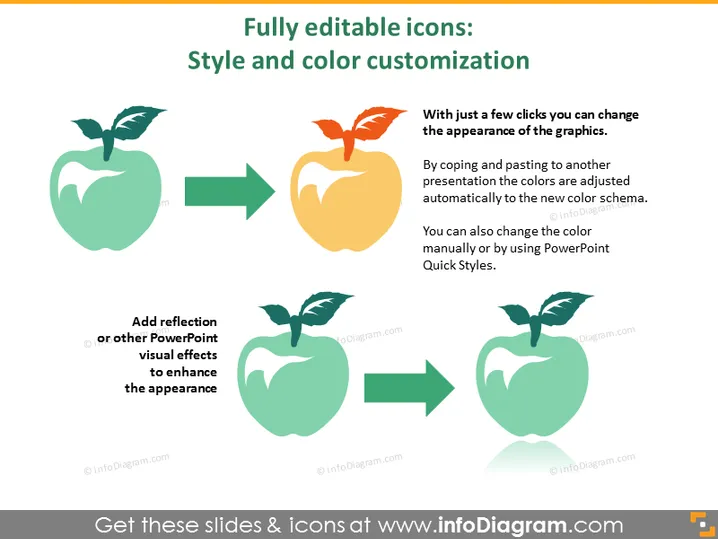
Die Folie handelt von den Funktionen zur Stil- und Farbpersonalisierung vollständig bearbeitbarer Icons in PowerPoint-Präsentationen. Sie veranschaulicht, wie einfach das Aussehen von Grafiken mit nur wenigen Klicks geändert werden kann, einschließlich der automatischen Farbanpassung beim Kopieren und Einfügen zwischen Präsentationen. Auch die Möglichkeit, Reflexionen oder andere visuelle Effekte hinzuzufügen, wird gezeigt, was auf ein Mittel hinweist, die visuelle Anziehungskraft der in einer Präsentation verwendeten Icons zu erhöhen.
Die Folie ist visuell einfach, aber informativ, und nutzt Icons und Pfeile, um den Personalisierungsprozess effektiv zu demonstrieren. Die Verwendung von kontrastierenden Farben hebt den Vorher-Nachher-Effekt der Personalisierung effektiv hervor.


