

Your graphics add a nice touch to my presentations and I recently used them for one of my all-hands meetings. Your toolbox adds professionalism to my slides. Instead of using standard clipart.
Claude Jones, Director of Engineer, @Walmartlabs, USA

Your graphics add a nice touch to my presentations and I recently used them for one of my all-hands meetings. Your toolbox adds professionalism to my slides. Instead of using standard clipart.
Claude Jones, Director of Engineer, @Walmartlabs, USA
I needed a fresh look at some of my slides. I've tried to find a way to create a paintbrush effect, to underline, accentuate, add some color and the handwritten markers were just the things. Very easy to use, easy to size, change the color. It was an affordable, perfect solution and I'm happy to recommend it.
Anonymous, US
The crisp, clean look of the graphics, and the fact that it allowed me to easily edit and change the colors to match the template was my main reason for purchasing them.
Brandie Jenkins, E-learning Developer, USA
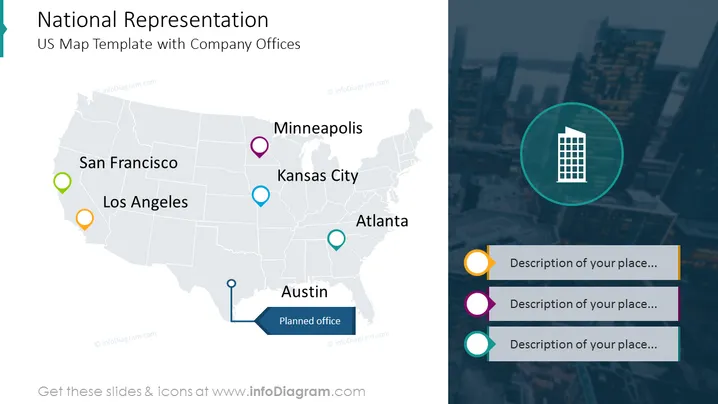
Die Folie präsentiert das Layout mit zwei Spalten, wobei der größere Teil eine Karte mit markierten Orten zeigt, an denen sich die Büros des Unternehmens befinden. Jedes Büro ist mit einer farbigen Stecknadel markiert, derselbe Farbcode wird auf der rechten Seite der Folie verwendet, wo die Beschreibungen der Büros platziert sind. Darüber hinaus ist die rechte Spalte mit einem Bildhintergrund angereichert.
Alle Formen und Daten, die auf der Folie präsentiert werden, sind vollständig in PowerPoint editierbar.



