
Your graphics add a nice touch to my presentations and I recently used them for one of my all-hands meetings. Your toolbox adds professionalism to my slides. Instead of using standard clipart.
Claude Jones, Director of Engineer, @Walmartlabs, USA
Your graphics add a nice touch to my presentations and I recently used them for one of my all-hands meetings. Your toolbox adds professionalism to my slides. Instead of using standard clipart.
Claude Jones, Director of Engineer, @Walmartlabs, USA
I needed a fresh look at some of my slides. I've tried to find a way to create a paintbrush effect, to underline, accentuate, add some color and the handwritten markers were just the things. Very easy to use, easy to size, change the color. It was an affordable, perfect solution and I'm happy to recommend it.
Anonymous, US
The crisp, clean look of the graphics, and the fact that it allowed me to easily edit and change the colors to match the template was my main reason for purchasing them.
Brandie Jenkins, E-learning Developer, USA
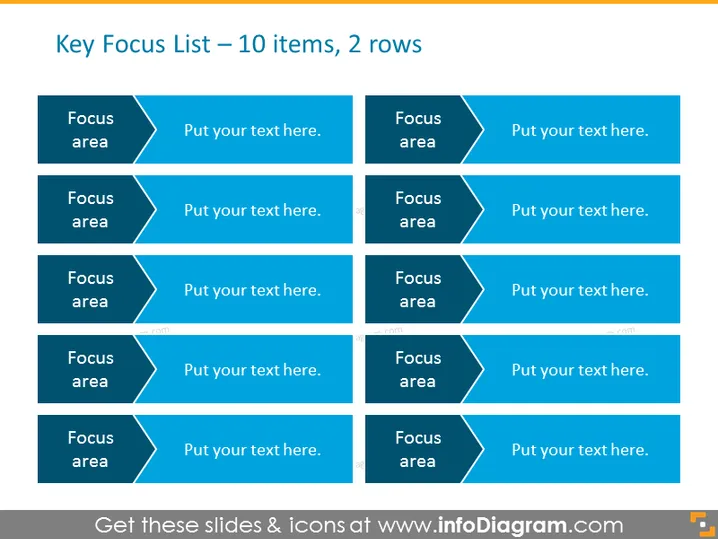
Die Folie präsentiert eine Struktur zur Darstellung einer "Schlüssel-Fokus-Liste" mit zehn Elementen, die in zwei Zeilen organisiert sind. Jedes Element hat einen eigenen Bereich, der auf der linken Seite ein beschriftetes "Fokusgebiet" und auf der rechten Seite ein anpassbares Textfeld für zusätzliche Details oder Erklärungen umfasst. Dieses Layout ermöglicht es dem Präsentierenden, wichtige Prioritäten oder Aufmerksamkeitsbereiche hervorzuheben. Das zweispaltige Format sorgt für eine klare und effiziente Möglichkeit, mehrere Punkte zu kommunizieren, ohne die Folie zu überladen.
Die Folie hat ein ausgewogenes und organisiertes Layout mit einem einfachen, professionellen Farbschema, das angenehm für die Augen ist und sich für geschäftliche Umgebungen eignet.




