

Your graphics add a nice touch to my presentations and I recently used them for one of my all-hands meetings. Your toolbox adds professionalism to my slides. Instead of using standard clipart.
Claude Jones, Director of Engineer, @Walmartlabs, USA

Your graphics add a nice touch to my presentations and I recently used them for one of my all-hands meetings. Your toolbox adds professionalism to my slides. Instead of using standard clipart.
Claude Jones, Director of Engineer, @Walmartlabs, USA
I needed a fresh look at some of my slides. I've tried to find a way to create a paintbrush effect, to underline, accentuate, add some color and the handwritten markers were just the things. Very easy to use, easy to size, change the color. It was an affordable, perfect solution and I'm happy to recommend it.
Anonymous, US
The crisp, clean look of the graphics, and the fact that it allowed me to easily edit and change the colors to match the template was my main reason for purchasing them.
Brandie Jenkins, E-learning Developer, USA
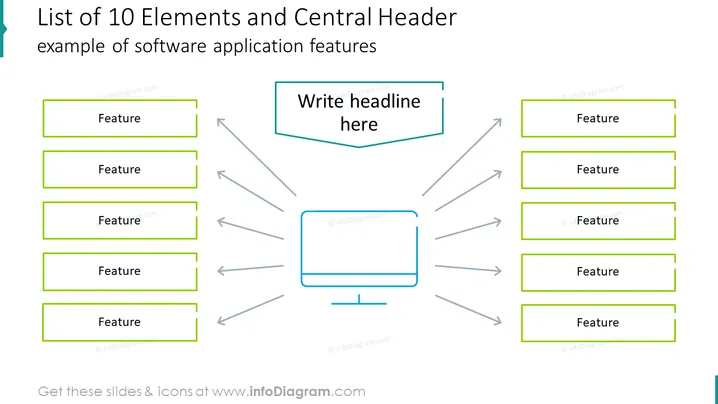
Die Folie veranschaulicht ein zentrales Konzept mit den dazugehörigen zehn Elementen, die eine Sammlung von Merkmalen darstellen, die mit einer Softwareanwendung verbunden sind. Jede "Feature"-Box repräsentiert wahrscheinlich eine spezifische Funktion oder Eigenschaft der Software und betont deren vielseitige Natur. Die zentrale Box mit der Bezeichnung "Schreiben Sie hier die Überschrift" dient als Platzhalter für den Haupttitel oder die übergreifende Idee, die alle Funktionen miteinander verbindet, und schlägt eine anpassbare Vorlage vor, die für eine detaillierte Präsentation der Softwarefähigkeiten entworfen wurde.
Die Folie verwendet ein sauberes, symmetrisches Design, das die Lesbarkeit und den Fokus erleichtert. Die kontrastierenden Farben und Formen lenken die Aufmerksamkeit des Betrachters auf das zentrale Konzept und seine umgebenden Elemente.



