
Your graphics add a nice touch to my presentations and I recently used them for one of my all-hands meetings. Your toolbox adds professionalism to my slides. Instead of using standard clipart.
Claude Jones, Director of Engineer, @Walmartlabs, USA
Your graphics add a nice touch to my presentations and I recently used them for one of my all-hands meetings. Your toolbox adds professionalism to my slides. Instead of using standard clipart.
Claude Jones, Director of Engineer, @Walmartlabs, USA
I needed a fresh look at some of my slides. I've tried to find a way to create a paintbrush effect, to underline, accentuate, add some color and the handwritten markers were just the things. Very easy to use, easy to size, change the color. It was an affordable, perfect solution and I'm happy to recommend it.
Anonymous, US
The crisp, clean look of the graphics, and the fact that it allowed me to easily edit and change the colors to match the template was my main reason for purchasing them.
Brandie Jenkins, E-learning Developer, USA
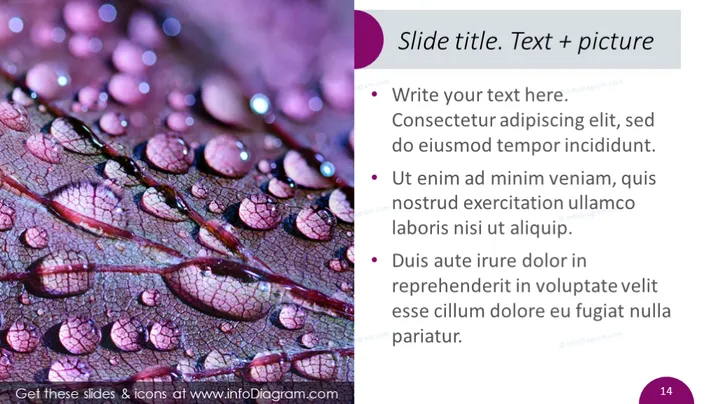
Folientitel. Text + Bild
Die PowerPoint-Folie ist wahrscheinlich so gestaltet, dass sie zeigt, wie Textbeschreibungen ein Bild ergänzen können. Der Titel deutet auf einen dualen Fokus auf textuelle und visuelle Informationen hin, was auf ein Gleichgewicht zwischen den beiden Kommunikationsmethoden hindeutet. Die Folie enthält Stichpunkte, die Platzhaltertext anbieten, um zu verdeutlichen, wie man Informationen prägnant und leicht lesbar strukturieren kann. Diese Stichpunkte sind wahrscheinlich dazu gedacht, durch relevante Inhalte ersetzt zu werden, um ein bestimmtes Präsentationsthema zu bedienen.
Der Gesamteindruck der Folie ist poliert und visuell ausgewogen, mit einer klaren Trennung zwischen dem Bild- und dem Textbereich. Die Farbwahl schafft ein kohärentes Thema, während die klare Differenzierung der Textstile ein einfaches Lesen ermöglicht.




