

Your graphics add a nice touch to my presentations and I recently used them for one of my all-hands meetings. Your toolbox adds professionalism to my slides. Instead of using standard clipart.
Claude Jones, Director of Engineer, @Walmartlabs, USA

Your graphics add a nice touch to my presentations and I recently used them for one of my all-hands meetings. Your toolbox adds professionalism to my slides. Instead of using standard clipart.
Claude Jones, Director of Engineer, @Walmartlabs, USA
I needed a fresh look at some of my slides. I've tried to find a way to create a paintbrush effect, to underline, accentuate, add some color and the handwritten markers were just the things. Very easy to use, easy to size, change the color. It was an affordable, perfect solution and I'm happy to recommend it.
Anonymous, US
The crisp, clean look of the graphics, and the fact that it allowed me to easily edit and change the colors to match the template was my main reason for purchasing them.
Brandie Jenkins, E-learning Developer, USA
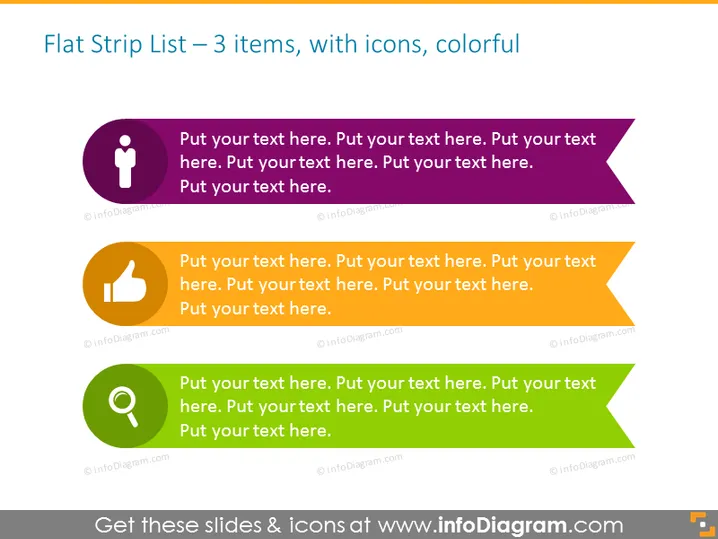
Diese PowerPoint-Folie mit dem Titel "Flache Streifenliste – 3 Elemente, mit Symbolen, farbenfroh" zeigt drei separate farbige Banner, von denen jedes ein einzigartiges Symbol und Platzhaltertext zur Anpassung bietet. Das erste Banner ist lila und zeigt ein Menschen-Symbol, das ein benutzerorientiertes Thema anzeigt. Das zweite Banner ist orange und hat ein Daumen-hoch-Symbol, das Genehmigung oder Erfolg betont. Das letzte Banner ist grün und zeigt ein Lupe-Symbol, das auf Analyse- oder Suchfunktionen hinweist. Jeder Bannerbereich ermöglicht es den Präsentierenden, unterstützenden Text einzufügen, der zum Thema des Symbols passt.
Das Gesamterscheinungsbild der Folie ist modern und minimalistisch, mit einem Fokus auf Farbcode und klarer Ikonographie, um verschiedene Punkte oder Themen zu kategorisieren oder zu betonen.



