

Your graphics add a nice touch to my presentations and I recently used them for one of my all-hands meetings. Your toolbox adds professionalism to my slides. Instead of using standard clipart.
Claude Jones, Director of Engineer, @Walmartlabs, USA

Your graphics add a nice touch to my presentations and I recently used them for one of my all-hands meetings. Your toolbox adds professionalism to my slides. Instead of using standard clipart.
Claude Jones, Director of Engineer, @Walmartlabs, USA
I needed a fresh look at some of my slides. I've tried to find a way to create a paintbrush effect, to underline, accentuate, add some color and the handwritten markers were just the things. Very easy to use, easy to size, change the color. It was an affordable, perfect solution and I'm happy to recommend it.
Anonymous, US
The crisp, clean look of the graphics, and the fact that it allowed me to easily edit and change the colors to match the template was my main reason for purchasing them.
Brandie Jenkins, E-learning Developer, USA
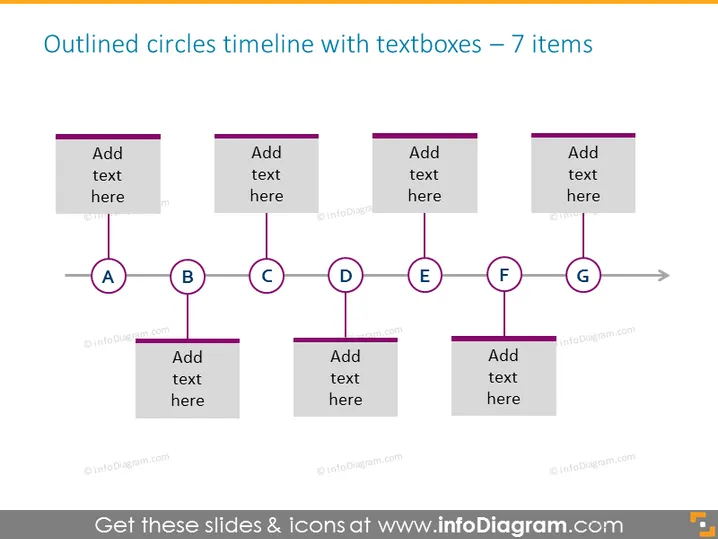
Diese PowerPoint-Folie stellt eine Zeitachse mit sieben wichtigen Phasen dar, die jeweils durch einen umrissenen Kreis gekennzeichnet sind, der von A bis G beschriftet ist und den Schritten in einem Prozess, chronologischen Ereignissen oder bedeutenden Meilensteinen entsprechen könnte. Jeder Kreis ist durch eine horizontale Linie verbunden, die auf eine Reihenfolge oder den Verlauf der Zeit hinweist. Begleitend zu jedem Kreis gibt es ein Textfeld für zusätzliche Informationen, das Platz bietet, um jede Phase detailliert zu beschreiben oder wichtige Daten zu vermerken, die zu diesem Punkt in der Zeitachse relevant sind.
Die Folie hat ein sauberes und professionelles Erscheinungsbild mit einem ausgewogenen Layout, das die Augen des Betrachters von links nach rechts führt und dem Verlauf der Zeitachse folgt.



