

Your graphics add a nice touch to my presentations and I recently used them for one of my all-hands meetings. Your toolbox adds professionalism to my slides. Instead of using standard clipart.
Claude Jones, Director of Engineer, @Walmartlabs, USA

Your graphics add a nice touch to my presentations and I recently used them for one of my all-hands meetings. Your toolbox adds professionalism to my slides. Instead of using standard clipart.
Claude Jones, Director of Engineer, @Walmartlabs, USA
I needed a fresh look at some of my slides. I've tried to find a way to create a paintbrush effect, to underline, accentuate, add some color and the handwritten markers were just the things. Very easy to use, easy to size, change the color. It was an affordable, perfect solution and I'm happy to recommend it.
Anonymous, US
The crisp, clean look of the graphics, and the fact that it allowed me to easily edit and change the colors to match the template was my main reason for purchasing them.
Brandie Jenkins, E-learning Developer, USA
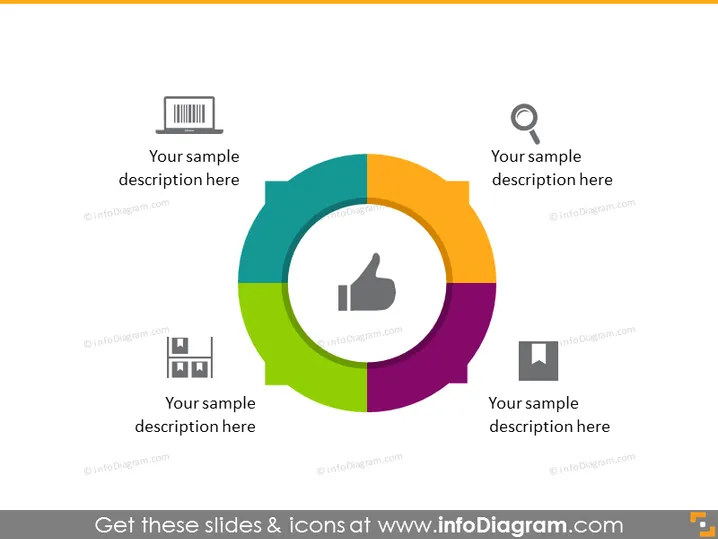
Die PowerPoint-Folie zeigt ein kreisförmiges Diagramm, das in vier farbenfrohe Segmente unterteilt ist. Jedes Segment hat ein Symbol und Platz für eine Beschreibung, was darauf hindeutet, dass die Folie vier verwandte Konzepte oder Komponenten eines einzigen Themas veranschaulicht. Die Symbole—ein Barcode, eine Lupe, ein Daumen nach oben und ein Dokument—lassen vermuten, dass die Segmente möglicherweise Stadien oder Elemente wie Bewertung, Analyse, Genehmigung und Dokumentation darstellen.
Die Folie hat ein modernes und professionelles Erscheinungsbild. Die Farbunterscheidung und die Symbole machen es sehr klar und visuell ansprechend, was die Kommunikation verschiedener Konzepte oder Phasen innerhalb eines Prozesses erleichtert.



