

Your graphics add a nice touch to my presentations and I recently used them for one of my all-hands meetings. Your toolbox adds professionalism to my slides. Instead of using standard clipart.
Claude Jones, Director of Engineer, @Walmartlabs, USA

Your graphics add a nice touch to my presentations and I recently used them for one of my all-hands meetings. Your toolbox adds professionalism to my slides. Instead of using standard clipart.
Claude Jones, Director of Engineer, @Walmartlabs, USA
I needed a fresh look at some of my slides. I've tried to find a way to create a paintbrush effect, to underline, accentuate, add some color and the handwritten markers were just the things. Very easy to use, easy to size, change the color. It was an affordable, perfect solution and I'm happy to recommend it.
Anonymous, US
The crisp, clean look of the graphics, and the fact that it allowed me to easily edit and change the colors to match the template was my main reason for purchasing them.
Brandie Jenkins, E-learning Developer, USA
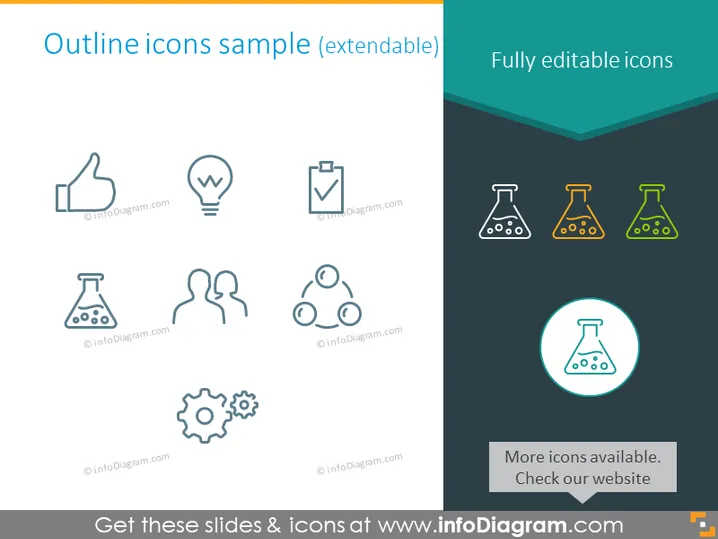
Die Folie zeigt eine Sammlung von Icons, die in zwei Kategorien unterteilt sind: Umriss-Icons und vollständig editierbare Icons. Umriss-Icons sind im minimalistischen Linienstil dargestellt und zeigen universell erkennbare Symbole für positives Feedback (Daumen hoch), kreative Ideen (Glühbirne), Aufgabenabschlüsse (Checkliste), wissenschaftliche Forschung oder Experimente (Kolben), Zusammenarbeit oder Partnerschaft (zwei Figuren), Netzwerk oder Konnektivität (drei verbundene Knoten) und Workflow oder Mechanik (Zahnräder). Vollständig editierbare Icons beziehen sich auf die farbenfrohe Variante des Kolben-Icons, die anzeigt, dass der Benutzer ihr Aussehen nach Bedarf ändern kann.
Die Folie kombiniert Einfachheit und visuelle Anziehungskraft durch die Kombination von Linien-Icons und einem hervorgehobenen farbigen Icon. Die Unterscheidung zwischen Umriss- und vollständig editierbaren Icons wird sowohl durch Farbe als auch durch das Layout deutlich.



