

Your graphics add a nice touch to my presentations and I recently used them for one of my all-hands meetings. Your toolbox adds professionalism to my slides. Instead of using standard clipart.
Claude Jones, Director of Engineer, @Walmartlabs, USA

Your graphics add a nice touch to my presentations and I recently used them for one of my all-hands meetings. Your toolbox adds professionalism to my slides. Instead of using standard clipart.
Claude Jones, Director of Engineer, @Walmartlabs, USA
I needed a fresh look at some of my slides. I've tried to find a way to create a paintbrush effect, to underline, accentuate, add some color and the handwritten markers were just the things. Very easy to use, easy to size, change the color. It was an affordable, perfect solution and I'm happy to recommend it.
Anonymous, US
The crisp, clean look of the graphics, and the fact that it allowed me to easily edit and change the colors to match the template was my main reason for purchasing them.
Brandie Jenkins, E-learning Developer, USA
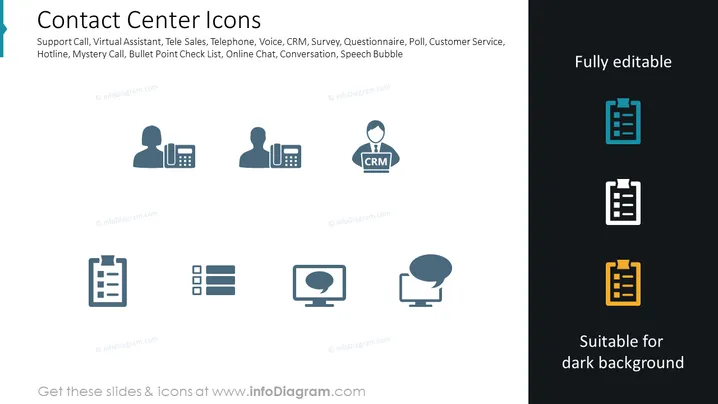
Die PowerPoint-Folie trägt den Titel "Kontaktcenter-Symbole" und listet verschiedene Elemente auf, die für Kontaktcenter relevant sind, wie z. B. Support-Anruf, Virtueller Assistent, Tele Sales, Telefon, Stimme, CRM (Customer Relationship Management – ein System zur Verwaltung der Interaktionen eines Unternehmens mit aktuellen und potenziellen Kunden), Umfrage, Fragebogen, Abstimmung, Kundenservice, Hotline, Mystery Call, Stichpunkt-Checkliste, Online-Chat (ein Dienst, der die Kommunikation zwischen einem Unternehmen und seinen Kunden über das Internet ermöglicht), Gespräch, Sprechblase (eine grafische Darstellung dessen, was jemand sagt).
Die Folie hat ein sauberes und professionelles Aussehen mit einem modernen ikonographischen Stil. Die Farbpalette besteht hauptsächlich aus Graustufen mit Akzenten von Türkis, Weiß und Gelb, um die Bearbeitbarkeit und Eignung für dunkle Hintergründe zu betonen.



