

Your graphics add a nice touch to my presentations and I recently used them for one of my all-hands meetings. Your toolbox adds professionalism to my slides. Instead of using standard clipart.
Claude Jones, Director of Engineer, @Walmartlabs, USA

Your graphics add a nice touch to my presentations and I recently used them for one of my all-hands meetings. Your toolbox adds professionalism to my slides. Instead of using standard clipart.
Claude Jones, Director of Engineer, @Walmartlabs, USA
I needed a fresh look at some of my slides. I've tried to find a way to create a paintbrush effect, to underline, accentuate, add some color and the handwritten markers were just the things. Very easy to use, easy to size, change the color. It was an affordable, perfect solution and I'm happy to recommend it.
Anonymous, US
The crisp, clean look of the graphics, and the fact that it allowed me to easily edit and change the colors to match the template was my main reason for purchasing them.
Brandie Jenkins, E-learning Developer, USA
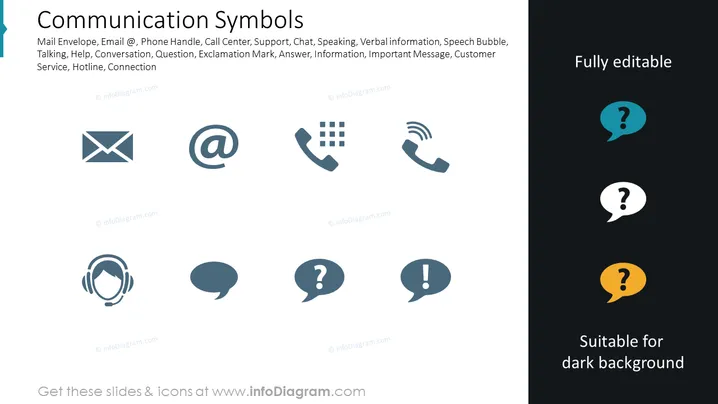
Die PowerPoint-Folie mit dem Titel "Kommunikationssymbole" präsentiert eine Reihe von Symbolen, die verschiedene Werkzeuge und Konzepte im Zusammenhang mit Kommunikation darstellen. Die Symbole umfassen einen Briefumschlag, das E-Mail-Symbol @, einen Telefonhörer, ein Call-Center-Headset, eine Sprechblase sowie Symbole für Sprechen, Fragen und Ausrufezeichen. Diese Symbole stehen für unterschiedliche Methoden und Aspekte der Kommunikation wie E-Mail-Korrespondenz, Telefonkontakt, Kundenservice, Dialog, Anfragen, wichtige Informationen und Dringlichkeit in der Kommunikation.
Das Gesamtbild der Folie ist klar und modern, nutzt ein einfaches Farbschema, das das Verständnis und die visuelle Anziehungskraft unterstützt. Das Design und die Anordnung der Symbole sind auf Klarheit optimiert und visuell ausgewogen im gegebenen Raum.



