

Your graphics add a nice touch to my presentations and I recently used them for one of my all-hands meetings. Your toolbox adds professionalism to my slides. Instead of using standard clipart.
Claude Jones, Director of Engineer, @Walmartlabs, USA

Your graphics add a nice touch to my presentations and I recently used them for one of my all-hands meetings. Your toolbox adds professionalism to my slides. Instead of using standard clipart.
Claude Jones, Director of Engineer, @Walmartlabs, USA
I needed a fresh look at some of my slides. I've tried to find a way to create a paintbrush effect, to underline, accentuate, add some color and the handwritten markers were just the things. Very easy to use, easy to size, change the color. It was an affordable, perfect solution and I'm happy to recommend it.
Anonymous, US
The crisp, clean look of the graphics, and the fact that it allowed me to easily edit and change the colors to match the template was my main reason for purchasing them.
Brandie Jenkins, E-learning Developer, USA
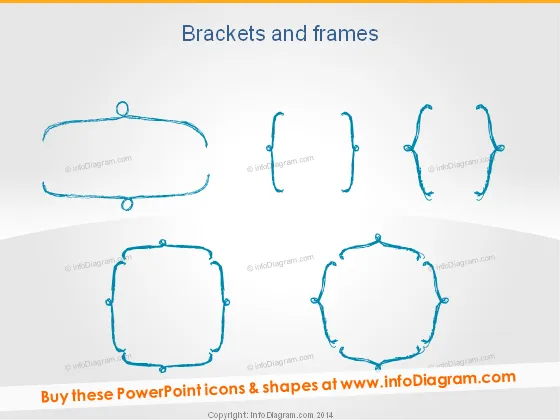
Diese PowerPoint-Folie zeigt eine Vielzahl von Klammerformen und Rahmendesigns, die verwendet werden können, um Informationen hervorzuheben oder Text innerhalb einer Präsentation zu dekorieren. Die sechs Grafiken veranschaulichen eine Palette von Stilen, von einfachen, geschwungenen Linien bis zu komplexeren, dekorativen Rahmen. Jede Grafik dient als visuelles Hilfsmittel, um wichtige Punkte zusammenzufassen, auf spezifische Informationen aufmerksam zu machen oder Abschnittsunterteilungen in einem Dokument oder einer Präsentation zu erstellen. Diese visuellen Elemente helfen, den Inhalt ästhetisch zu organisieren und können das Gesamtdesign der Folien verbessern.
Die Folie hat einen sauberen und minimalistischen Look mit einem kreativen Flair, das durch die skizzeninspirierten Klammer- und Rahmenillustrationen gegeben ist. Der Einsatz von Blau gegen den neutralen Hintergrund sorgt für gute Sichtbarkeit und einen Farbtupfer, ohne überwältigend zu wirken.



