

Your graphics add a nice touch to my presentations and I recently used them for one of my all-hands meetings. Your toolbox adds professionalism to my slides. Instead of using standard clipart.
Claude Jones, Director of Engineer, @Walmartlabs, USA

Your graphics add a nice touch to my presentations and I recently used them for one of my all-hands meetings. Your toolbox adds professionalism to my slides. Instead of using standard clipart.
Claude Jones, Director of Engineer, @Walmartlabs, USA
I needed a fresh look at some of my slides. I've tried to find a way to create a paintbrush effect, to underline, accentuate, add some color and the handwritten markers were just the things. Very easy to use, easy to size, change the color. It was an affordable, perfect solution and I'm happy to recommend it.
Anonymous, US
The crisp, clean look of the graphics, and the fact that it allowed me to easily edit and change the colors to match the template was my main reason for purchasing them.
Brandie Jenkins, E-learning Developer, USA
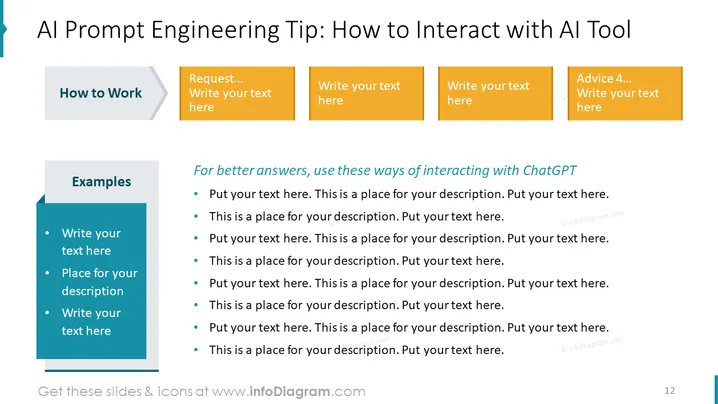
Die PowerPoint-Folie mit dem Titel "KI Prompt Engineering Tipp: Wie man mit KI-Tools interagiert" bietet Richtlinien für eine effektive Kommunikation mit einem KI-gestützten Tool wie ChatGPT. Die Folie ist in zwei Abschnitte unterteilt. Der erste Abschnitt, "Wie man arbeitet", zielt darauf ab, Erwartungen an den operativen Aspekt von KI-Interaktionen zu setzen. Der zweite Abschnitt, "Beispiele", listet konkrete Beispiele auf, die das Verständnis fördern. "Für bessere Antworten nutzen Sie diese Möglichkeiten zur Interaktion mit ChatGPT" gibt praktische Ratschläge zur Verbesserung der Qualität von KI-generierten Antworten und ermutigt zu spezifischen, klaren und kontextreicheren Eingabeaufforderungen für optimale Ergebnisse.



