
Your graphics add a nice touch to my presentations and I recently used them for one of my all-hands meetings. Your toolbox adds professionalism to my slides. Instead of using standard clipart.
Claude Jones, Director of Engineer, @Walmartlabs, USA
Your graphics add a nice touch to my presentations and I recently used them for one of my all-hands meetings. Your toolbox adds professionalism to my slides. Instead of using standard clipart.
Claude Jones, Director of Engineer, @Walmartlabs, USA
I needed a fresh look at some of my slides. I've tried to find a way to create a paintbrush effect, to underline, accentuate, add some color and the handwritten markers were just the things. Very easy to use, easy to size, change the color. It was an affordable, perfect solution and I'm happy to recommend it.
Anonymous, US
The crisp, clean look of the graphics, and the fact that it allowed me to easily edit and change the colors to match the template was my main reason for purchasing them.
Brandie Jenkins, E-learning Developer, USA
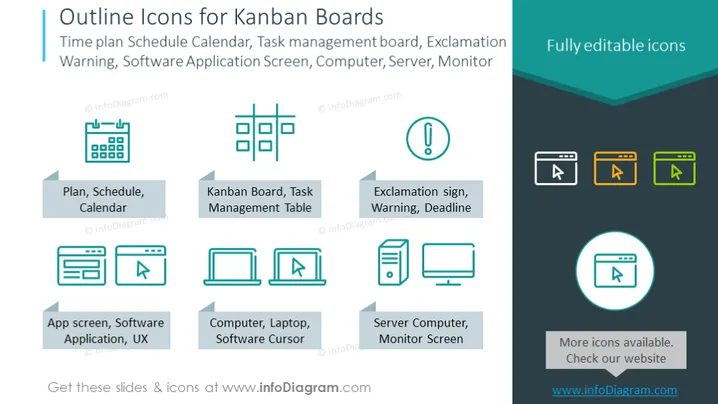
Die PowerPoint-Folie trägt den Titel "Umrisssymbole für Kanban-Boards" und beschreibt eine Reihe von Vektor-Symbolen, die für das Projektmanagement und Kanban-Boards relevant sind. Die Symbole umfassen einen Plan, einen Zeitplan oder einen Kalender, die Organisation und Zeitmanagement symbolisieren; ein Kanban-Board oder eine Aufgabenverwaltungstabelle, die die Visualisierung von Arbeit darstellt; ein Ausrufezeichen für Warnungen, Benachrichtigungen oder Fristen; einen App-Bildschirm oder eine Softwareanwendung für das Design der Benutzererfahrung; einen Computer, Laptop oder Software-Cursor, der technische Schnittstellen anzeigt; und einen Server-Computer oder einen Monitorbildschirm für Systemhardwarekomponenten.
Die Folie hat eine ausgewogene und symmetrische Anordnung mit einer sauberen, professionellen Designästhetik. Die Verwendung von flachen Symbolen und eine harmonische Farbpalette verleihen ihr ein zeitgemäßes Gefühl, das für Geschäftspräsentationen geeignet ist.




