

Your graphics add a nice touch to my presentations and I recently used them for one of my all-hands meetings. Your toolbox adds professionalism to my slides. Instead of using standard clipart.
Claude Jones, Director of Engineer, @Walmartlabs, USA

Your graphics add a nice touch to my presentations and I recently used them for one of my all-hands meetings. Your toolbox adds professionalism to my slides. Instead of using standard clipart.
Claude Jones, Director of Engineer, @Walmartlabs, USA
I needed a fresh look at some of my slides. I've tried to find a way to create a paintbrush effect, to underline, accentuate, add some color and the handwritten markers were just the things. Very easy to use, easy to size, change the color. It was an affordable, perfect solution and I'm happy to recommend it.
Anonymous, US
The crisp, clean look of the graphics, and the fact that it allowed me to easily edit and change the colors to match the template was my main reason for purchasing them.
Brandie Jenkins, E-learning Developer, USA
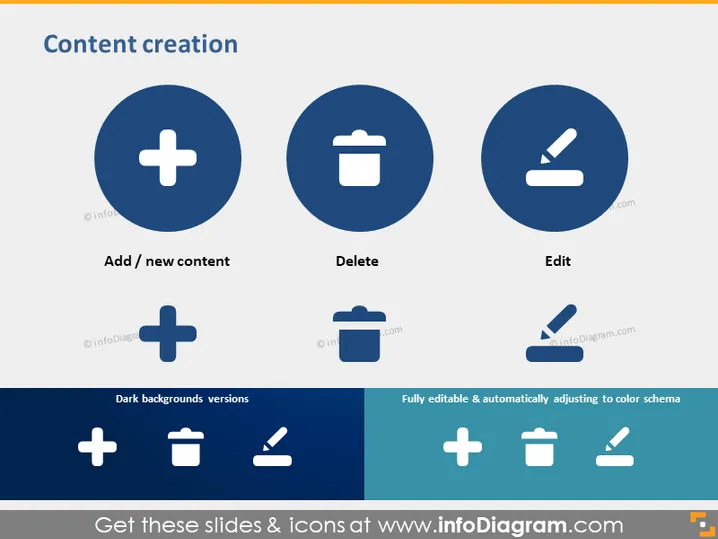
Die Folie handelt von "Inhaltserstellung" und besteht aus drei Hauptkonzepten: 'Inhalt hinzufügen / neu', 'Löschen' und 'Bearbeiten'. 'Inhalt hinzufügen / neu' bezeichnet den Prozess der Einführung neuen Materials oder neuer Informationen. 'Löschen' steht für die Entfernung unnötiger oder unerwünschter Inhalte. 'Bearbeiten' zeigt an, dass bestehendes Material aktualisiert, korrigiert oder verbessert wird. Die Folie zeigt auch Versionen von Symbolen, die auf dunklen Hintergründen sichtbar sind und darauf hindeuten, dass sie an verschiedene Präsentationsdesigns anpassbar sind.
Die Folie hat einen sauberen und professionellen Look mit einem minimalistischen Design, das die Funktionalität durch die Verwendung allgemein anerkannter Symbole betont. Das Farbschema ist eine Kombination aus Dunkelblau, Weiß und Hellblau, das eine korporative und straightforward Ästhetik bewahrt.



