

Your graphics add a nice touch to my presentations and I recently used them for one of my all-hands meetings. Your toolbox adds professionalism to my slides. Instead of using standard clipart.
Claude Jones, Director of Engineer, @Walmartlabs, USA

Your graphics add a nice touch to my presentations and I recently used them for one of my all-hands meetings. Your toolbox adds professionalism to my slides. Instead of using standard clipart.
Claude Jones, Director of Engineer, @Walmartlabs, USA
I needed a fresh look at some of my slides. I've tried to find a way to create a paintbrush effect, to underline, accentuate, add some color and the handwritten markers were just the things. Very easy to use, easy to size, change the color. It was an affordable, perfect solution and I'm happy to recommend it.
Anonymous, US
The crisp, clean look of the graphics, and the fact that it allowed me to easily edit and change the colors to match the template was my main reason for purchasing them.
Brandie Jenkins, E-learning Developer, USA
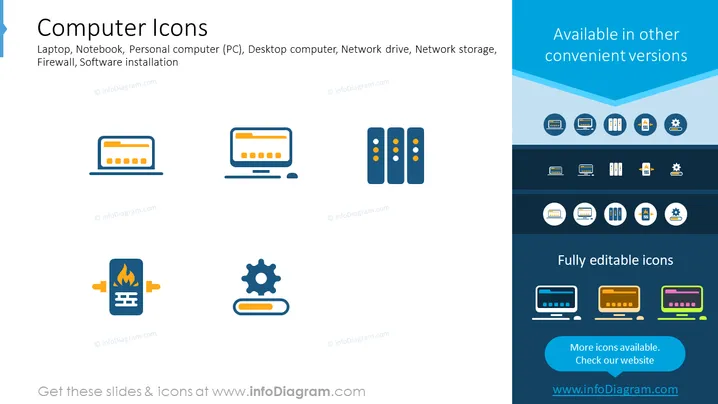
Die PowerPoint-Folie mit dem Titel "Computer-Icons" zeigt eine Sammlung stilisierter Icons, die verschiedene computerbezogene Konzepte repräsentieren. Dazu gehören ein Laptop oder Notebook, das mobiles Computing darstellt; ein Personal Computer (PC) oder Desktop-Computer, der stationäres persönliches Computing symbolisiert; ein Netzlaufwerk und Netzspeicher, die Daten speichern, die über ein Netzwerk zugänglich sind; eine Firewall, die Netzwerk-Sicherheitsmaßnahmen veranschaulicht; und die Softwareinstallation, die den Prozess des Hinzufügens neuer Software zu einem System anzeigt. Jedes Konzept ist mit einem leicht erkennbaren grafischen Icon kombiniert.
Die Folie hat ein sauberes und modernes Aussehen mit einer klaren Unterscheidung zwischen den visuellen Icons und den textuellen Informationen. Das Flat-Design der Icons und die Verwendung kontrastierender Farben bieten eine leicht verständliche visuelle Darstellung der besprochenen Konzepte.



