

Your graphics add a nice touch to my presentations and I recently used them for one of my all-hands meetings. Your toolbox adds professionalism to my slides. Instead of using standard clipart.
Claude Jones, Director of Engineer, @Walmartlabs, USA

Your graphics add a nice touch to my presentations and I recently used them for one of my all-hands meetings. Your toolbox adds professionalism to my slides. Instead of using standard clipart.
Claude Jones, Director of Engineer, @Walmartlabs, USA
I needed a fresh look at some of my slides. I've tried to find a way to create a paintbrush effect, to underline, accentuate, add some color and the handwritten markers were just the things. Very easy to use, easy to size, change the color. It was an affordable, perfect solution and I'm happy to recommend it.
Anonymous, US
The crisp, clean look of the graphics, and the fact that it allowed me to easily edit and change the colors to match the template was my main reason for purchasing them.
Brandie Jenkins, E-learning Developer, USA
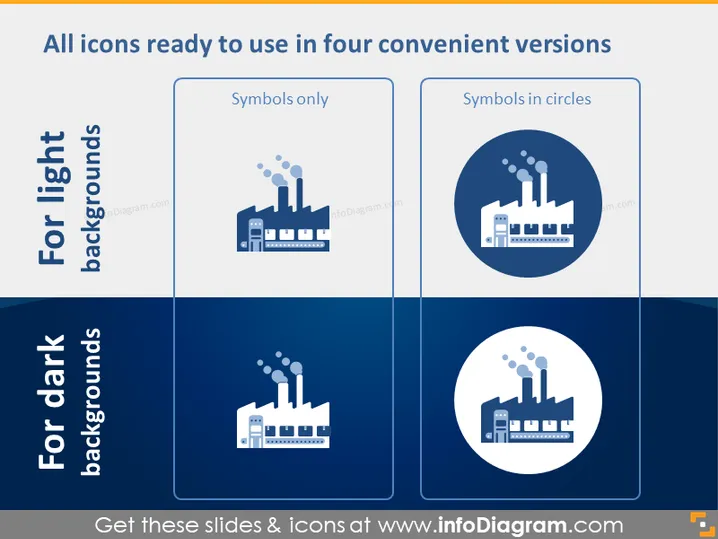
Die PowerPoint-Folie präsentiert vier verschiedene Icon-Stile, die für helle oder dunkle Hintergründe optimiert sind. "Für helle Hintergründe" werden zwei Stile gezeigt: "Nur Symbole" zeigt ein einfaches Fabriksymbol ohne Hintergrund; "Symbole in Kreisen" präsentiert dasselbe Symbol in einem kreisförmigen Hintergrund. Ähnlich werden unter "Für dunkle Hintergründe" die beiden passenden Stile mit einem Farbschema angezeigt, das die Sichtbarkeit gegen dunklere Hintergründe sicherstellt. Jede Stilvariante gewährleistet die Vielseitigkeit des Symbols über verschiedene Folien-Designs hinweg.
Das Gesamterscheinungsbild der Folie ist sauber und professionell, mit einem klaren visuellen Unterschied zwischen den Icon-Stilen für verschiedene Hintergrundeinstellungen. Die monochromatische Farbpalette und das segmentierte Layout bieten eine einfache, leicht verständliche visuelle Anleitung.



