

Your graphics add a nice touch to my presentations and I recently used them for one of my all-hands meetings. Your toolbox adds professionalism to my slides. Instead of using standard clipart.
Claude Jones, Director of Engineer, @Walmartlabs, USA

Your graphics add a nice touch to my presentations and I recently used them for one of my all-hands meetings. Your toolbox adds professionalism to my slides. Instead of using standard clipart.
Claude Jones, Director of Engineer, @Walmartlabs, USA
I needed a fresh look at some of my slides. I've tried to find a way to create a paintbrush effect, to underline, accentuate, add some color and the handwritten markers were just the things. Very easy to use, easy to size, change the color. It was an affordable, perfect solution and I'm happy to recommend it.
Anonymous, US
The crisp, clean look of the graphics, and the fact that it allowed me to easily edit and change the colors to match the template was my main reason for purchasing them.
Brandie Jenkins, E-learning Developer, USA
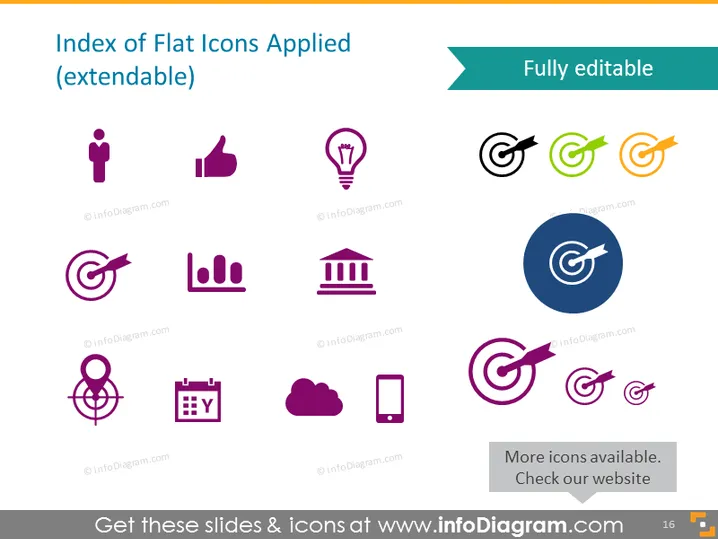
Die PowerPoint-Folie trägt den Titel "Index der angewendeten flachen Icons (erweiterbar)" und zeigt an, dass die Folie eine Vielzahl von vollständig bearbeitbaren Icons enthält. Diese Icons repräsentieren verschiedene Konzepte: ein Personen-Icon für die Darstellung von Nutzern, ein Daumen-hoch für Zustimmung oder Gefallen, eine Glühbirne für Ideen, Ziel und Pfeil für Ziele oder Vorgaben, ein Balkendiagramm für Datenanalysen, ein Bank-Icon für Finanzinstitute, ein Netzwerk-Icon für Konnektivität oder Networking, einen Kalender für Zeitpläne, eine Cloud für Cloud-Computing-Dienste, ein mobiles Gerät für digitale Kommunikation und mehrere Versionen des Ziel-Icons, um verschiedene Farboptionen und Anpassungen zu zeigen.
Die Verwendung von flachem Design für Icons stellt sicher, dass die Folie modern und professionell aussieht.



