
Your graphics add a nice touch to my presentations and I recently used them for one of my all-hands meetings. Your toolbox adds professionalism to my slides. Instead of using standard clipart.
Claude Jones, Director of Engineer, @Walmartlabs, USA

Your graphics add a nice touch to my presentations and I recently used them for one of my all-hands meetings. Your toolbox adds professionalism to my slides. Instead of using standard clipart.
Claude Jones, Director of Engineer, @Walmartlabs, USA

I needed a fresh look at some of my slides. I've tried to find a way to create a paintbrush effect, to underline, accentuate, add some color and the handwritten markers were just the things. Very easy to use, easy to size, change the color. It was an affordable, perfect solution and I'm happy to recommend it.
Anonymous, US
The crisp, clean look of the graphics, and the fact that it allowed me to easily edit and change the colors to match the template was my main reason for purchasing them.
Brandie Jenkins, E-learning Developer, USA
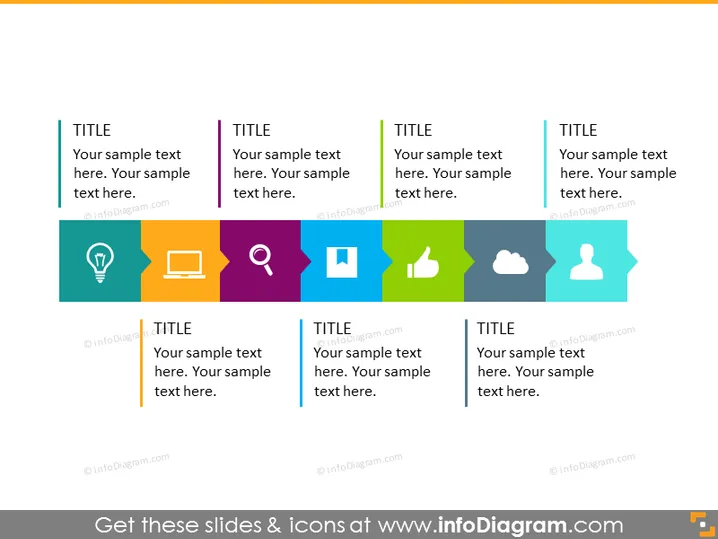
Die PowerPoint-Folie präsentiert sechs Konzepte mit Platzhalter-Titeln und Text. Jedes Konzept wird durch ein einzigartiges Symbol dargestellt und farblich kodiert, um es zu unterscheiden. Die symbolisierten Konzepte umfassen Ideen (Glühbirne), Kommunikation oder Datenübertragung (Laptop und E-Mail-Symbol), Suche oder Analytik (Lupe), positives Feedback oder Genehmigung (Daumen hoch), Cloud-Technologie oder -Rechenleistung (Cloud-Symbol) und individuelle oder Benutzerprofile (Personensilhouette). Dieses Format vereinfacht die Kategorisierung und bietet eine visuelle Methode, um verschiedene Aspekte eines Themas umfassend zu präsentieren.
Das Gesamterscheinungsbild der Folie ist sauber und modern, mit einem strukturierten Layout, das es einfach macht, zwischen den Konzepten zu unterscheiden. Der Einsatz von Symbolen und Farbcode vermittelt die Idee hinter jedem Element effektiv, ohne den Betrachter mit Text zu überladen.


