

Your graphics add a nice touch to my presentations and I recently used them for one of my all-hands meetings. Your toolbox adds professionalism to my slides. Instead of using standard clipart.
Claude Jones, Director of Engineer, @Walmartlabs, USA

Your graphics add a nice touch to my presentations and I recently used them for one of my all-hands meetings. Your toolbox adds professionalism to my slides. Instead of using standard clipart.
Claude Jones, Director of Engineer, @Walmartlabs, USA
I needed a fresh look at some of my slides. I've tried to find a way to create a paintbrush effect, to underline, accentuate, add some color and the handwritten markers were just the things. Very easy to use, easy to size, change the color. It was an affordable, perfect solution and I'm happy to recommend it.
Anonymous, US
The crisp, clean look of the graphics, and the fact that it allowed me to easily edit and change the colors to match the template was my main reason for purchasing them.
Brandie Jenkins, E-learning Developer, USA
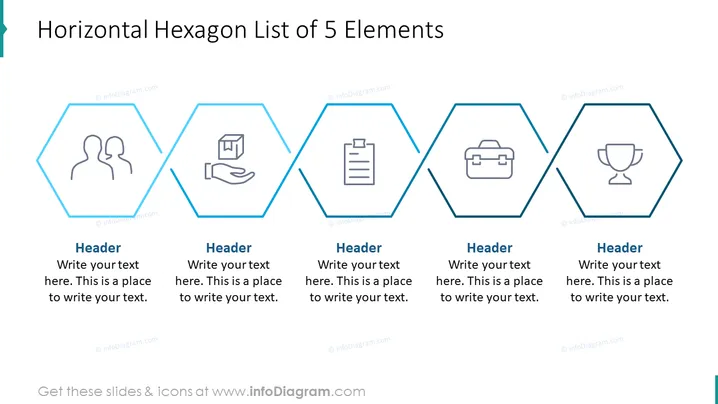
Die PowerPoint-Folie präsentiert eine "Horizontale Sechseckliste von 5 Elementen", die dazu dient, eine Reihe von fünf verwandten Ideen oder Konzepten zu organisieren und zu präsentieren. Jede sechseckige Form enthält ein einzigartiges Symbol und Platz für eine Überschrift sowie erläuternden Text, der den Präsentator einlädt, den Inhalt zu individualisieren. Beispiele für Anwendungen jedes Elements könnten Schritte in einem Prozess, Schlüsselrollen im Team, Servicefunktionen oder Geschäftsziele sein. Die Anordnung deutet auf eine Reihenfolge oder Verbindung zwischen den Elementen hin.
Die Folie hat ein klares und professionelles Aussehen, wobei der Kontrast zwischen den blauen Sechseckumrissen und Icons vor dem weißen Hintergrund die Aufmerksamkeit auf den Inhalt lenkt. Die einfachen, stilisierten Icons sind universell erkennbar und tragen zum Thema bei, ohne abzulenken.



