

Your graphics add a nice touch to my presentations and I recently used them for one of my all-hands meetings. Your toolbox adds professionalism to my slides. Instead of using standard clipart.
Claude Jones, Director of Engineer, @Walmartlabs, USA

Your graphics add a nice touch to my presentations and I recently used them for one of my all-hands meetings. Your toolbox adds professionalism to my slides. Instead of using standard clipart.
Claude Jones, Director of Engineer, @Walmartlabs, USA
I needed a fresh look at some of my slides. I've tried to find a way to create a paintbrush effect, to underline, accentuate, add some color and the handwritten markers were just the things. Very easy to use, easy to size, change the color. It was an affordable, perfect solution and I'm happy to recommend it.
Anonymous, US
The crisp, clean look of the graphics, and the fact that it allowed me to easily edit and change the colors to match the template was my main reason for purchasing them.
Brandie Jenkins, E-learning Developer, USA
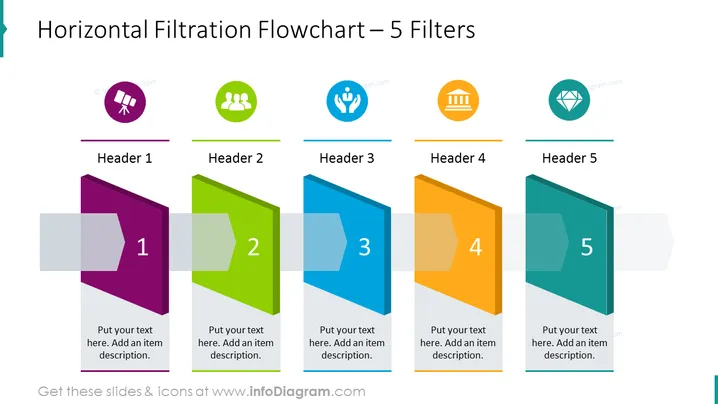
Die PowerPoint-Folie trägt den Titel "Horizontal Filtrationsflussdiagramm – 5 Filter" und präsentiert einen Prozess mit fünf aufeinanderfolgenden Schritten oder Phasen, die jeweils durch ein farbenfrohes, nummeriertes Banner und ein entsprechendes Symbol dargestellt werden. Jedes Banner hat einen Platzhalter für eine Überschrift und eine Beschreibung, was darauf hindeutet, dass die Folie dazu gedacht ist, eine Reihe von Filtern, Kriterien oder Phasen in einem Prozess darzustellen. Das Konzept der Filtration impliziert hier einen Fortschritt durch Schichten oder Phasen, wobei jede Schicht das jeweilige Thema bewertet oder verfeinert.
Die Folie hat ein sauberes, modernes Design mit einem Farbverlauf, der von Weiß zu Hellgrau übergeht. Die Verwendung von bunten Bannern, die nebeneinander angeordnet sind, schafft einen visuellen Fluss von links nach rechts und verstärkt das Thema Filtration oder Prozess.



