

Your graphics add a nice touch to my presentations and I recently used them for one of my all-hands meetings. Your toolbox adds professionalism to my slides. Instead of using standard clipart.
Claude Jones, Director of Engineer, @Walmartlabs, USA

Your graphics add a nice touch to my presentations and I recently used them for one of my all-hands meetings. Your toolbox adds professionalism to my slides. Instead of using standard clipart.
Claude Jones, Director of Engineer, @Walmartlabs, USA
I needed a fresh look at some of my slides. I've tried to find a way to create a paintbrush effect, to underline, accentuate, add some color and the handwritten markers were just the things. Very easy to use, easy to size, change the color. It was an affordable, perfect solution and I'm happy to recommend it.
Anonymous, US
The crisp, clean look of the graphics, and the fact that it allowed me to easily edit and change the colors to match the template was my main reason for purchasing them.
Brandie Jenkins, E-learning Developer, USA
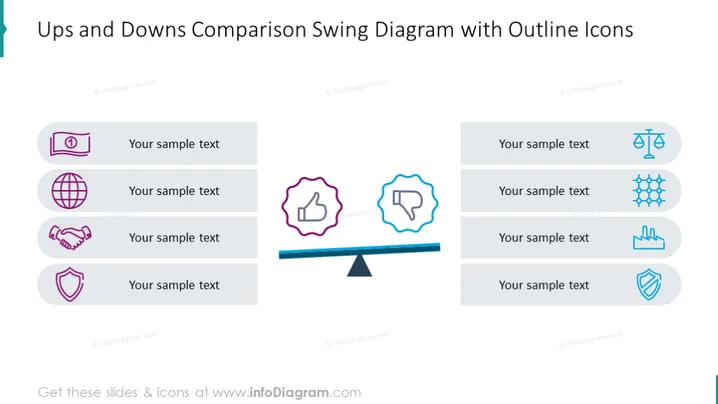
Diese PowerPoint-Folie bietet eine visuelle Darstellung zum Vergleich gegensätzlicher Punkte oder Elemente, die als "Auf" und "Ab" bezeichnet werden. Jede Seite des Schwingdiagramms enthält vier umrandete Symbole, jedes mit einem Platzhalter für Text, der verschiedene Themen oder Kennzahlen, die bewertet werden sollen, vorschlägt. Die Symbole scheinen die finanzielle Leistung, die globale Reichweite, Partnerschaft oder Teamarbeit sowie Sicherheit oder Stabilität zu symbolisieren, die bei Nutzung in einer Präsentation mit spezifischen Daten detailliert werden können.



