

Your graphics add a nice touch to my presentations and I recently used them for one of my all-hands meetings. Your toolbox adds professionalism to my slides. Instead of using standard clipart.
Claude Jones, Director of Engineer, @Walmartlabs, USA

Your graphics add a nice touch to my presentations and I recently used them for one of my all-hands meetings. Your toolbox adds professionalism to my slides. Instead of using standard clipart.
Claude Jones, Director of Engineer, @Walmartlabs, USA
I needed a fresh look at some of my slides. I've tried to find a way to create a paintbrush effect, to underline, accentuate, add some color and the handwritten markers were just the things. Very easy to use, easy to size, change the color. It was an affordable, perfect solution and I'm happy to recommend it.
Anonymous, US
The crisp, clean look of the graphics, and the fact that it allowed me to easily edit and change the colors to match the template was my main reason for purchasing them.
Brandie Jenkins, E-learning Developer, USA
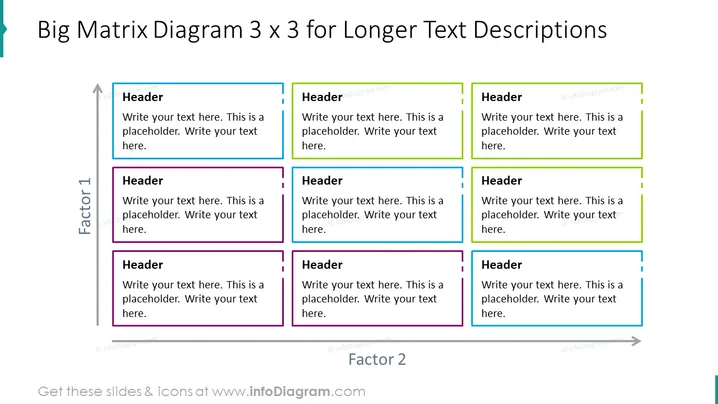
Die Folie ist so gestaltet, dass sie eine Matrixstruktur zeigt, die die Präsentation von Daten oder Konzepten in neun Zellen ermöglicht, von denen jede eine einzigartige Überschrift hat, angeordnet in einem 3x3-Raster. Dieses Format erleichtert den Vergleich und den Kontrast von drei Elementen über drei Faktoren hinweg. Jede Zelle enthält einen Platzhaltertext, der signalisiert, wo der Präsentator spezifische Informationen eingeben kann. Die Überschriften schlagen einen strukturierten Ansatz für die Bereitstellung umfassender Inhalte vor, wobei jede Zelle dazu gedacht ist, einen bestimmten Aspekt oder eine Idee zu erläutern, die mit dem übergreifenden Thema zusammenhängt.
Die Folie hat ein sauberes, professionelles Erscheinungsbild mit einem klaren Layout, das Klarheit und Organisation betont. Die Farbcodierung der Spalten bietet eine visuelle Segmentierung, die hilft, die dargestellten Kategorien oder Gruppen schnell zu unterscheiden.



