
Your graphics add a nice touch to my presentations and I recently used them for one of my all-hands meetings. Your toolbox adds professionalism to my slides. Instead of using standard clipart.
Claude Jones, Director of Engineer, @Walmartlabs, USA
Your graphics add a nice touch to my presentations and I recently used them for one of my all-hands meetings. Your toolbox adds professionalism to my slides. Instead of using standard clipart.
Claude Jones, Director of Engineer, @Walmartlabs, USA
I needed a fresh look at some of my slides. I've tried to find a way to create a paintbrush effect, to underline, accentuate, add some color and the handwritten markers were just the things. Very easy to use, easy to size, change the color. It was an affordable, perfect solution and I'm happy to recommend it.
Anonymous, US
The crisp, clean look of the graphics, and the fact that it allowed me to easily edit and change the colors to match the template was my main reason for purchasing them.
Brandie Jenkins, E-learning Developer, USA
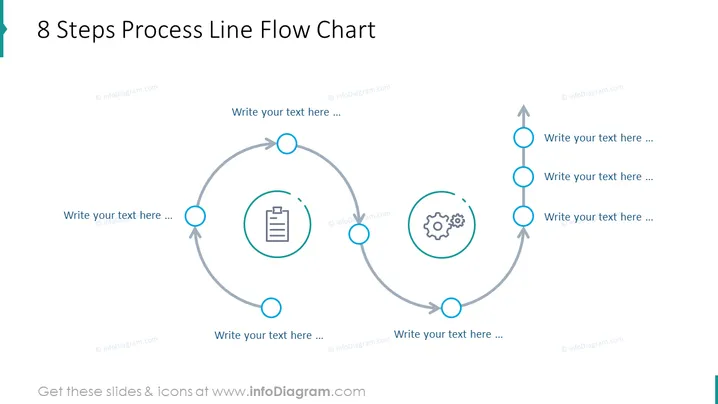
Die Folie präsentiert ein "8 Schritte Prozessflussdiagramm", das wahrscheinlich einen zyklischen Prozessfluss oder eine Abfolge von miteinander verbundenen Ereignissen veranschaulicht. Das Diagramm ist dazu gedacht, dass die Benutzer an jedem der acht Punkte textuelle Informationen einfüllen, die durch Platzhalter wie "Schreiben Sie Ihren Text hier..." angezeigt werden, wo detaillierte Informationen zu jedem Schritt des Prozesses skizziert werden können. Dieses Format wird typischerweise verwendet, um einen Arbeitsablaufzyklus, eine Reihe von Aufgaben oder eine Abfolge von Schritten in einem Projekt darzustellen, wobei kontinuierliche Verbesserung oder zyklische Prozesse hervorgehoben werden.
Der Gesamteindruck der Folie ist sauber und professionell, mit leicht verständlichen visuellen Elementen, die den Betrachter klar durch den skizzierten Prozess führen.




