
Your graphics add a nice touch to my presentations and I recently used them for one of my all-hands meetings. Your toolbox adds professionalism to my slides. Instead of using standard clipart.
Claude Jones, Director of Engineer, @Walmartlabs, USA

Your graphics add a nice touch to my presentations and I recently used them for one of my all-hands meetings. Your toolbox adds professionalism to my slides. Instead of using standard clipart.
Claude Jones, Director of Engineer, @Walmartlabs, USA

I needed a fresh look at some of my slides. I've tried to find a way to create a paintbrush effect, to underline, accentuate, add some color and the handwritten markers were just the things. Very easy to use, easy to size, change the color. It was an affordable, perfect solution and I'm happy to recommend it.
Anonymous, US
The crisp, clean look of the graphics, and the fact that it allowed me to easily edit and change the colors to match the template was my main reason for purchasing them.
Brandie Jenkins, E-learning Developer, USA
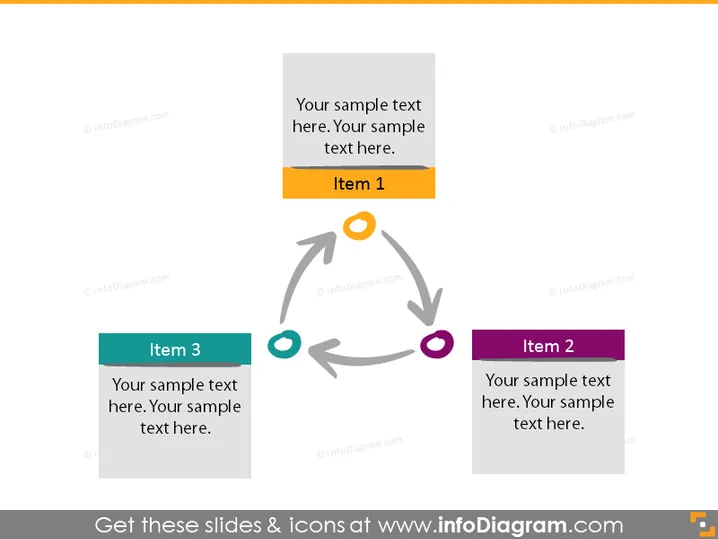
Diese PowerPoint-Folie scheint einen zyklischen Prozess oder eine Beziehung zwischen drei verschiedenen Punkten darzustellen, die als "Punkt 1", "Punkt 2" und "Punkt 3" bezeichnet werden. Jeder Punkt enthält einen Platz für Beispieltext, was auf eine Anpassung für spezifische Inhalte hindeutet. Der Zyklus zeigt, dass Punkt 1 zu Punkt 2 führt, der wiederum zu Punkt 3 führt, und schließlich wieder zu Punkt 1 zurückkehrt, was einen kontinuierlichen Prozess oder einen Rückkopplungszyklus illustriert, was bedeutet, dass diese Schritte in einer sich wiederholenden Reihenfolge stehen. Diese Art von Struktur ist üblich für Prozesse, die ständige Iteration oder Verbesserung erfordern.


