

Your graphics add a nice touch to my presentations and I recently used them for one of my all-hands meetings. Your toolbox adds professionalism to my slides. Instead of using standard clipart.
Claude Jones, Director of Engineer, @Walmartlabs, USA

Your graphics add a nice touch to my presentations and I recently used them for one of my all-hands meetings. Your toolbox adds professionalism to my slides. Instead of using standard clipart.
Claude Jones, Director of Engineer, @Walmartlabs, USA
I needed a fresh look at some of my slides. I've tried to find a way to create a paintbrush effect, to underline, accentuate, add some color and the handwritten markers were just the things. Very easy to use, easy to size, change the color. It was an affordable, perfect solution and I'm happy to recommend it.
Anonymous, US
The crisp, clean look of the graphics, and the fact that it allowed me to easily edit and change the colors to match the template was my main reason for purchasing them.
Brandie Jenkins, E-learning Developer, USA
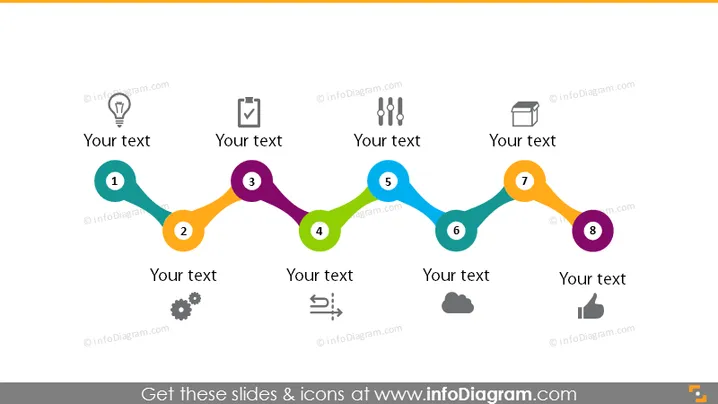
Die PowerPoint-Folie zeigt eine lineare Sequenz von acht Schritten, die jeweils durch eine Zahl gekennzeichnet sind und von einem Symbol begleitet werden, das verschiedene Phasen oder Elemente eines Geschäftsprozesses oder Fahrplans widerspiegelt. Die Symbole umfassen eine Glühbirne, ein Klemmbrett, Zahnräder und andere Symbole, die typischerweise Ideen, Planung, Ausführung, Analyse und Abschluss repräsentieren. Textplatzhalter neben jedem Schritt ermöglichen kurze Beschreibungen und bieten ein strukturiertes Format zur Definition der Ziele oder Details jeder Phase in einem Geschäfts- oder Projektzeitplan.
Die Folie verwendet ein bunter und ansprechendes Design, um einen schrittweisen Fortschritt darzustellen, wodurch es leicht ist, den Ablauf eines Projekts oder einer Strategie von der Entstehung bis zum Abschluss zu visualisieren.



