
Your graphics add a nice touch to my presentations and I recently used them for one of my all-hands meetings. Your toolbox adds professionalism to my slides. Instead of using standard clipart.
Claude Jones, Director of Engineer, @Walmartlabs, USA
Your graphics add a nice touch to my presentations and I recently used them for one of my all-hands meetings. Your toolbox adds professionalism to my slides. Instead of using standard clipart.
Claude Jones, Director of Engineer, @Walmartlabs, USA
I needed a fresh look at some of my slides. I've tried to find a way to create a paintbrush effect, to underline, accentuate, add some color and the handwritten markers were just the things. Very easy to use, easy to size, change the color. It was an affordable, perfect solution and I'm happy to recommend it.
Anonymous, US
The crisp, clean look of the graphics, and the fact that it allowed me to easily edit and change the colors to match the template was my main reason for purchasing them.
Brandie Jenkins, E-learning Developer, USA
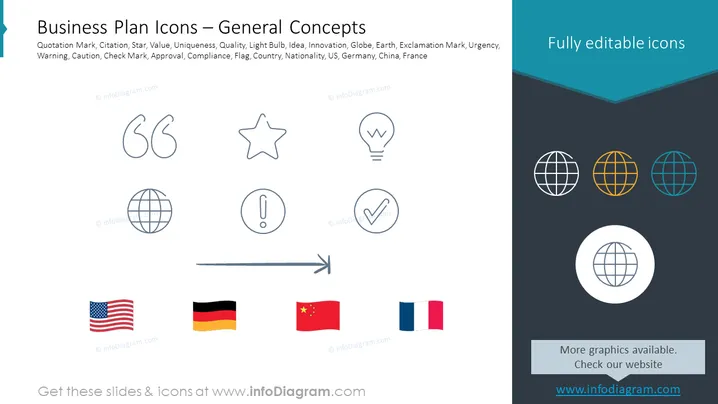
Die PowerPoint-Folie mit dem Titel "Geschäftsplan-Symbole — Allgemeine Konzepte" listet eine Reihe von Symbolen auf, die mit Geschäftsplanung und Präsentationen verbunden sind. Diese Symbole repräsentieren verschiedene Konzepte wie Anführungszeichen (für Zitate), Stern (Symbol für Wert oder Einzigartigkeit), Glühbirne (zeigt Ideen oder Innovation an), Globus (repräsentiert die Erde oder globale Reichweite), Ausrufezeichen (zeigt Dringlichkeit oder Warnung an), Häkchen (Genehmigung oder Konformität) und Flaggen verschiedener Länder (stellt Nationalität oder länderspezifische Informationen dar, z. B. die USA, Deutschland, China und Frankreich).
Die Folie hat ein schlankes, professionelles Design mit einem gut organisierten Layout, das Kontrast und Ikonografie nutzt, um visuelle Informationen zu vermitteln. Der einheitliche Stil der Symbole bietet eine harmonische und zugängliche Möglichkeit, komplexe Konzepte darzustellen.




