
Your graphics add a nice touch to my presentations and I recently used them for one of my all-hands meetings. Your toolbox adds professionalism to my slides. Instead of using standard clipart.
Claude Jones, Director of Engineer, @Walmartlabs, USA
Your graphics add a nice touch to my presentations and I recently used them for one of my all-hands meetings. Your toolbox adds professionalism to my slides. Instead of using standard clipart.
Claude Jones, Director of Engineer, @Walmartlabs, USA
I needed a fresh look at some of my slides. I've tried to find a way to create a paintbrush effect, to underline, accentuate, add some color and the handwritten markers were just the things. Very easy to use, easy to size, change the color. It was an affordable, perfect solution and I'm happy to recommend it.
Anonymous, US
The crisp, clean look of the graphics, and the fact that it allowed me to easily edit and change the colors to match the template was my main reason for purchasing them.
Brandie Jenkins, E-learning Developer, USA
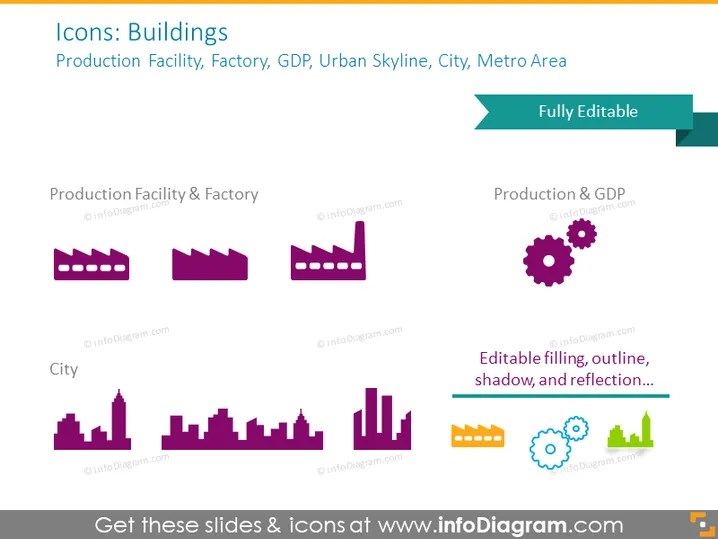
Die PowerPoint-Folie trägt den Titel "Icons: Gebäude" und listet Kategorien von Gebäude-Icons auf: Produktionsstätte, Fabrik, BIP, Stadtsilhouette, Stadt und Metropolregion. Jede Kategorie wird durch eine Reihe stilisierter Icons repräsentiert. "Produktionsstätte & Fabrik" zeigt industrielle Gebäude und deutet auf Fertigungsmöglichkeiten hin. "Produktion & BIP" enthält ein Fabrik-Icon zusammen mit Zahnrädern, was möglicherweise die Wechselbeziehungen zwischen Produktion und wirtschaftlicher Leistung anzeigt. Die Kategorie "Stadt" zeigt eine Vielzahl von Silhouetten städtischer Gebäude, die verschiedene architektonische Strukturen widerspiegeln, die in einer Stadtlandschaft zu finden sind.
Der Gesamteindruck der Folie ist modern und minimalistisch, mit einer begrenzten Farbpalette, um ein kohärentes und professionelles Erscheinungsbild zu schaffen. Die Icons sind einfach, aber informativ, was die Folie visuell ansprechend und leicht interpretierbar macht.




