

Your graphics add a nice touch to my presentations and I recently used them for one of my all-hands meetings. Your toolbox adds professionalism to my slides. Instead of using standard clipart.
Claude Jones, Director of Engineer, @Walmartlabs, USA

Your graphics add a nice touch to my presentations and I recently used them for one of my all-hands meetings. Your toolbox adds professionalism to my slides. Instead of using standard clipart.
Claude Jones, Director of Engineer, @Walmartlabs, USA
I needed a fresh look at some of my slides. I've tried to find a way to create a paintbrush effect, to underline, accentuate, add some color and the handwritten markers were just the things. Very easy to use, easy to size, change the color. It was an affordable, perfect solution and I'm happy to recommend it.
Anonymous, US
The crisp, clean look of the graphics, and the fact that it allowed me to easily edit and change the colors to match the template was my main reason for purchasing them.
Brandie Jenkins, E-learning Developer, USA
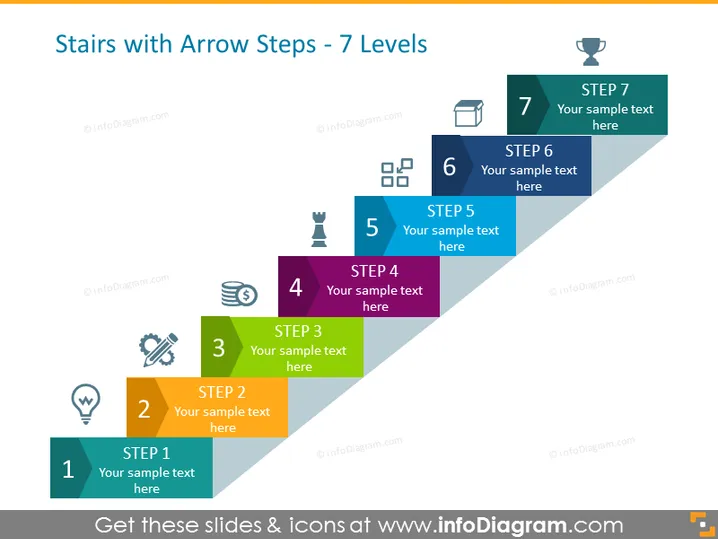
Die PowerPoint-Folie veranschaulicht einen siebenstufigen Prozess, wobei jeder Schritt als aufsteigende Treppe mit eigener einzigartiger Farbe und Ikon dargestellt wird. Beginnend mit Schritt 1 am unteren Ende, nehmen die Schritte in der Anzahl zu, bis zu Schritt 7 an der Spitze. Jeder Schritt ist mit der Schrittzahl beschriftet und bietet Raum für Text, um die jeweilige Phase oder das Element des präsentierten Prozesses zu erklären. Die durch die Treppe angedeutete Progression impliziert einen methodischen Aufstieg hin zu einem Ziel oder Ergebnis.
Das Gesamtbild ist klar und modern mit einem 3D-Effekt, der die Progression betont. Der Einsatz von unterschiedlichen Farben und Ikonen unterstützt die Merkfähigkeit und visuelle Unterscheidung zwischen den Schritten.



