
Your graphics add a nice touch to my presentations and I recently used them for one of my all-hands meetings. Your toolbox adds professionalism to my slides. Instead of using standard clipart.
Claude Jones, Director of Engineer, @Walmartlabs, USA
Your graphics add a nice touch to my presentations and I recently used them for one of my all-hands meetings. Your toolbox adds professionalism to my slides. Instead of using standard clipart.
Claude Jones, Director of Engineer, @Walmartlabs, USA
I needed a fresh look at some of my slides. I've tried to find a way to create a paintbrush effect, to underline, accentuate, add some color and the handwritten markers were just the things. Very easy to use, easy to size, change the color. It was an affordable, perfect solution and I'm happy to recommend it.
Anonymous, US
The crisp, clean look of the graphics, and the fact that it allowed me to easily edit and change the colors to match the template was my main reason for purchasing them.
Brandie Jenkins, E-learning Developer, USA
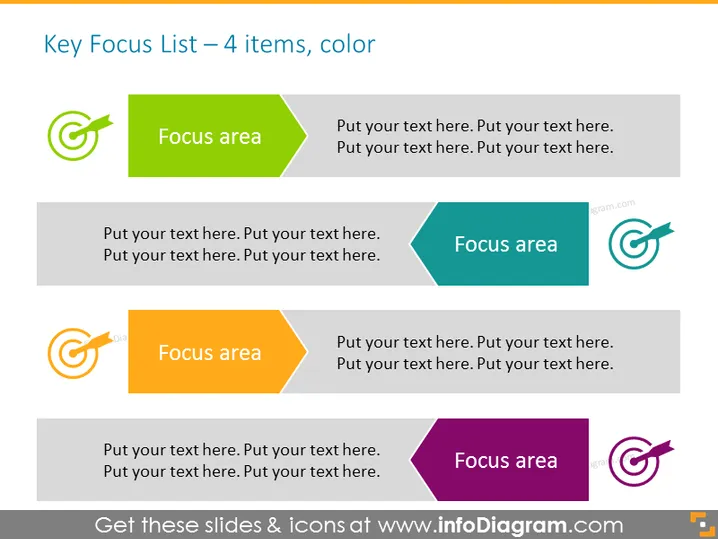
Die Folie präsentiert eine Liste von vier Schlüssel-Fokusbereichen, die jeweils durch eine auffällige Farbe und einen nach rechts zeigenden Pfeil hervorgehoben sind, was ein Ziel oder Vorankommen symbolisiert. Das Design impliziert, dass jeder Abschnitt eine Überschrift mit der Bezeichnung "Fokusbereich" enthalten kann, gefolgt von zusätzlichem beschreibendem Text. Dieses Layout eignet sich zur Präsentation von Prioritäten, Strategien oder Phasen in einem Prozess, wobei die Definition von Fokuspunkten entscheidend ist, um den Inhaltfluss und die Hierarchie zu verstehen.
Insgesamt hat die Folie ein lebhaftes und strukturiertes Aussehen mit klaren visuellen Abgrenzungen jedes Fokusbereichs. Die Verwendung von Pfeilen und unterschiedlichen Farben hilft, das Konzept der Richtung und Priorisierung zu vermitteln.




