
Your graphics add a nice touch to my presentations and I recently used them for one of my all-hands meetings. Your toolbox adds professionalism to my slides. Instead of using standard clipart.
Claude Jones, Director of Engineer, @Walmartlabs, USA
Your graphics add a nice touch to my presentations and I recently used them for one of my all-hands meetings. Your toolbox adds professionalism to my slides. Instead of using standard clipart.
Claude Jones, Director of Engineer, @Walmartlabs, USA
I needed a fresh look at some of my slides. I've tried to find a way to create a paintbrush effect, to underline, accentuate, add some color and the handwritten markers were just the things. Very easy to use, easy to size, change the color. It was an affordable, perfect solution and I'm happy to recommend it.
Anonymous, US
The crisp, clean look of the graphics, and the fact that it allowed me to easily edit and change the colors to match the template was my main reason for purchasing them.
Brandie Jenkins, E-learning Developer, USA
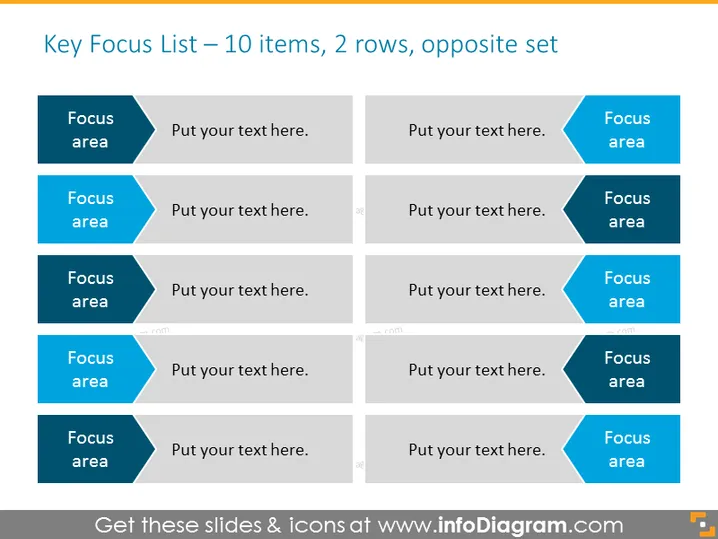
Die Folie präsentiert ein strukturiertes Format zur Auflistung von Schlüssel-Fokusbereichen, das darauf ausgelegt ist, 10 verschiedene Punkte in zwei Reihen darzustellen. Jede Reihe enthält 5 Fokusbereiche, die in alternierender Reihenfolge angeordnet sind, um den Vergleich zu erleichtern oder verwandte Ziele darzustellen. Zum Beispiel steht "Fokusbereich" als Platzhalter für ein spezifisches Thema oder Ziel, gefolgt von "Hier Ihren Text eingeben", was darauf hinweist, wo man jeden Fokusbereich näher erläutern kann. Dieses Layout ist hilfreich, um Informationen in einem klaren, lesbaren Format zu organisieren und es dem Publikum zu ermöglichen, Prioritäten oder Handlungsschritte leicht zu verstehen.
Die Folie hat ein sauberes, professionelles Erscheinungsbild mit einer einfachen Farbpalette, die den Inhalt betont. Das symmetrische Design trägt zur Vermittlung einer ausgewogenen und organisierten Informationsstruktur bei.




