

Your graphics add a nice touch to my presentations and I recently used them for one of my all-hands meetings. Your toolbox adds professionalism to my slides. Instead of using standard clipart.
Claude Jones, Director of Engineer, @Walmartlabs, USA

Your graphics add a nice touch to my presentations and I recently used them for one of my all-hands meetings. Your toolbox adds professionalism to my slides. Instead of using standard clipart.
Claude Jones, Director of Engineer, @Walmartlabs, USA
I needed a fresh look at some of my slides. I've tried to find a way to create a paintbrush effect, to underline, accentuate, add some color and the handwritten markers were just the things. Very easy to use, easy to size, change the color. It was an affordable, perfect solution and I'm happy to recommend it.
Anonymous, US
The crisp, clean look of the graphics, and the fact that it allowed me to easily edit and change the colors to match the template was my main reason for purchasing them.
Brandie Jenkins, E-learning Developer, USA
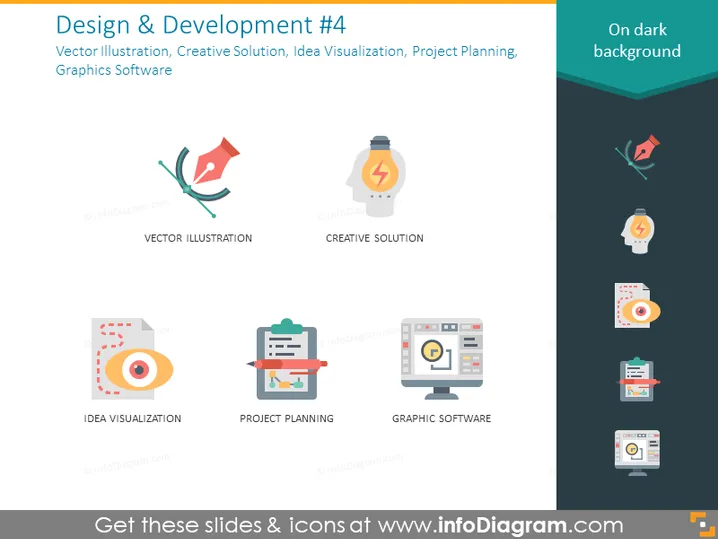
Diese PowerPoint-Folie mit dem Titel "Design & Entwicklung #4" konzentriert sich auf Aspekte des Designprozesses und präsentiert diese als vier separate Komponenten. "Vektorillustration" bezieht sich wahrscheinlich auf die Erstellung digitaler Grafiken mit Pfaden und Formen, die ohne Qualitätsverlust skalierbar sind. "Kreative Lösung" impliziert die Suche nach innovativen Ansätzen oder Ideen für Designherausforderungen. "Ideenvorstellung" könnte bedeuten, Konzepte oder Prozesse visuell darzustellen, um das Verständnis zu fördern oder Designs zu prototypisieren. "Projektplanung" deutet darauf hin, den Zeitrahmen, den Umfang und die Ressourcen für ein Designprojekt zu organisieren. "Grafiksoftware" bezieht sich auf die Computeranwendungen, die verwendet werden, um visuelle Inhalte zu erstellen oder zu bearbeiten.
Die Folie hat eine saubere, zeitgemäße Ästhetik mit einem professionellen Gefühl aufgrund des Farbkontrasts und der Verwendung von flachem Design für die Symbole.



