

Your graphics add a nice touch to my presentations and I recently used them for one of my all-hands meetings. Your toolbox adds professionalism to my slides. Instead of using standard clipart.
Claude Jones, Director of Engineer, @Walmartlabs, USA

Your graphics add a nice touch to my presentations and I recently used them for one of my all-hands meetings. Your toolbox adds professionalism to my slides. Instead of using standard clipart.
Claude Jones, Director of Engineer, @Walmartlabs, USA
I needed a fresh look at some of my slides. I've tried to find a way to create a paintbrush effect, to underline, accentuate, add some color and the handwritten markers were just the things. Very easy to use, easy to size, change the color. It was an affordable, perfect solution and I'm happy to recommend it.
Anonymous, US
The crisp, clean look of the graphics, and the fact that it allowed me to easily edit and change the colors to match the template was my main reason for purchasing them.
Brandie Jenkins, E-learning Developer, USA
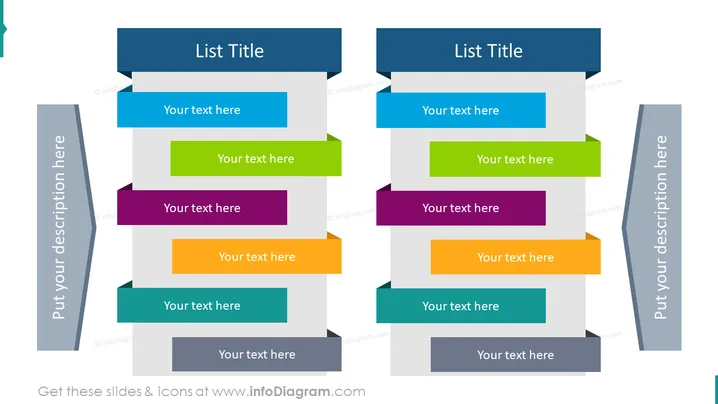
Die PowerPoint-Folie ist so gestaltet, dass sie zwei Sets von Ideen oder Konzepten vergleicht, von denen jedes sechs Elemente enthält. Auf der linken Seite befindet sich ein vertikales Banner für einen Titel oder eine Beschreibung, gefolgt von sechs horizontal gestapelten, bunten rechteckigen Formen, die jeweils mit einem Platzhaltertext "Ihr Text hier" versehen sind. Die rechte Seite spiegelt die linke Seite wider und ermöglicht einen direkten Vergleich oder das Pendant zu jedem Element. Jede rechteckige Form stellt ein anderes Konzept oder eine Idee dar, die vom Präsentator eingefügt werden kann, was einen strukturierten Vergleich oder ein kontrastierendes Listenformat ermöglicht.
Die Folie nutzt ein symmetrisches Layout, das visuell ausgewogen ist, mit kontrastierenden Elementen, um zwei Informationssets klar voneinander abzugrenzen. Ihr farbenfrohes und organisiertes Design ist sowohl auffällig als auch funktional und unterstützt den Vergleich der aufgelisteten Elemente durch den Betrachter.



