
Your graphics add a nice touch to my presentations and I recently used them for one of my all-hands meetings. Your toolbox adds professionalism to my slides. Instead of using standard clipart.
Claude Jones, Director of Engineer, @Walmartlabs, USA
Your graphics add a nice touch to my presentations and I recently used them for one of my all-hands meetings. Your toolbox adds professionalism to my slides. Instead of using standard clipart.
Claude Jones, Director of Engineer, @Walmartlabs, USA
I needed a fresh look at some of my slides. I've tried to find a way to create a paintbrush effect, to underline, accentuate, add some color and the handwritten markers were just the things. Very easy to use, easy to size, change the color. It was an affordable, perfect solution and I'm happy to recommend it.
Anonymous, US
The crisp, clean look of the graphics, and the fact that it allowed me to easily edit and change the colors to match the template was my main reason for purchasing them.
Brandie Jenkins, E-learning Developer, USA
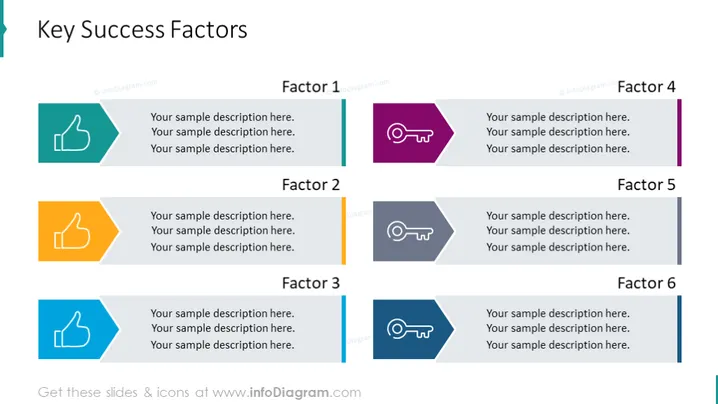
Die PowerPoint-Folie präsentiert "Schlüssel Erfolgsfaktoren", die in sechs Faktoren unterteilt sind, von denen jeder mit einem Symbol und Platzhaltern für eine Beschreibung versehen ist. Faktor 1 und Faktor 3 werden durch Daumen-hoch-Symbole dargestellt, was Zustimmung oder Erfolg symbolisiert. Faktor 2 ist mit zwei Daumen nach oben hervorgehoben, was ein höheres Maß an Zustimmung oder eine Verdopplung des positiven Empfindens betont. Faktoren 4, 5 und 6 zeigen ähnliche Symbole einer Pfeife mit Linien, die möglicherweise Führung, Anleitung oder das Aufmerksammachen auf wichtige Punkte symbolisieren. Für jeden Faktor gibt es drei Zeilen Beispieltext, die anzeigen, wo detaillierte Erklärungen eingefügt werden sollten.




