
Your graphics add a nice touch to my presentations and I recently used them for one of my all-hands meetings. Your toolbox adds professionalism to my slides. Instead of using standard clipart.
Claude Jones, Director of Engineer, @Walmartlabs, USA
Your graphics add a nice touch to my presentations and I recently used them for one of my all-hands meetings. Your toolbox adds professionalism to my slides. Instead of using standard clipart.
Claude Jones, Director of Engineer, @Walmartlabs, USA
I needed a fresh look at some of my slides. I've tried to find a way to create a paintbrush effect, to underline, accentuate, add some color and the handwritten markers were just the things. Very easy to use, easy to size, change the color. It was an affordable, perfect solution and I'm happy to recommend it.
Anonymous, US
The crisp, clean look of the graphics, and the fact that it allowed me to easily edit and change the colors to match the template was my main reason for purchasing them.
Brandie Jenkins, E-learning Developer, USA
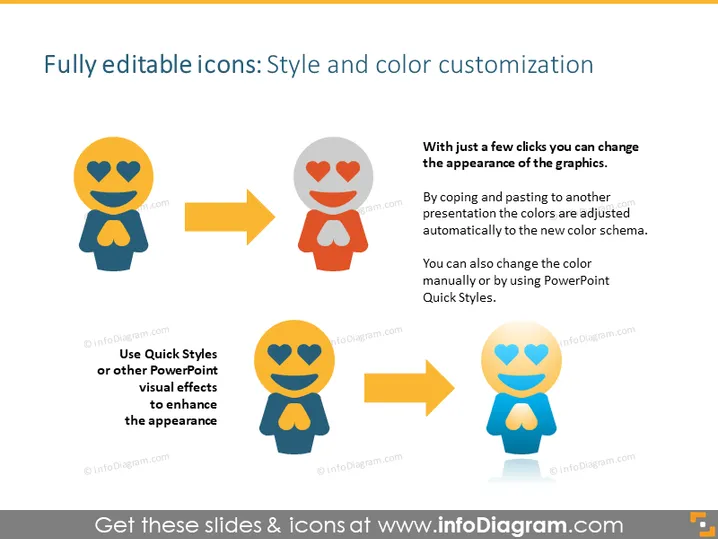
Die PowerPoint-Folie handelt davon, wie man den Stil und die Farbe von Icons anpassen kann. Vollständig bearbeitbare Icons können mit nur wenigen Klicks personalisiert werden, um ihr Aussehen zu verändern, was entweder eine automatische Anpassung an Farbschemata bei der Übertragung in eine neue Präsentation oder eine manuelle Farbänderung einschließt. Bei der Verwendung von Schnellformaten oder anderen PowerPoint-Visuellen Effekten kann das Aussehen dieser grafischen Elemente verbessert werden, wodurch sie besser zum Thema der Präsentation oder zum Geschmack des Präsentierenden passen.
Das Gesamtbild der Folie ist modern und anschaulich, und zeigt klar die Vorher- und Nachher-Effekte der Icon-Anpassung. Die visuellen Elemente sind in einem logischen Fluss angeordnet, der das Konzept leicht verständlich macht.




