
Your graphics add a nice touch to my presentations and I recently used them for one of my all-hands meetings. Your toolbox adds professionalism to my slides. Instead of using standard clipart.
Claude Jones, Director of Engineer, @Walmartlabs, USA
Your graphics add a nice touch to my presentations and I recently used them for one of my all-hands meetings. Your toolbox adds professionalism to my slides. Instead of using standard clipart.
Claude Jones, Director of Engineer, @Walmartlabs, USA
I needed a fresh look at some of my slides. I've tried to find a way to create a paintbrush effect, to underline, accentuate, add some color and the handwritten markers were just the things. Very easy to use, easy to size, change the color. It was an affordable, perfect solution and I'm happy to recommend it.
Anonymous, US
The crisp, clean look of the graphics, and the fact that it allowed me to easily edit and change the colors to match the template was my main reason for purchasing them.
Brandie Jenkins, E-learning Developer, USA
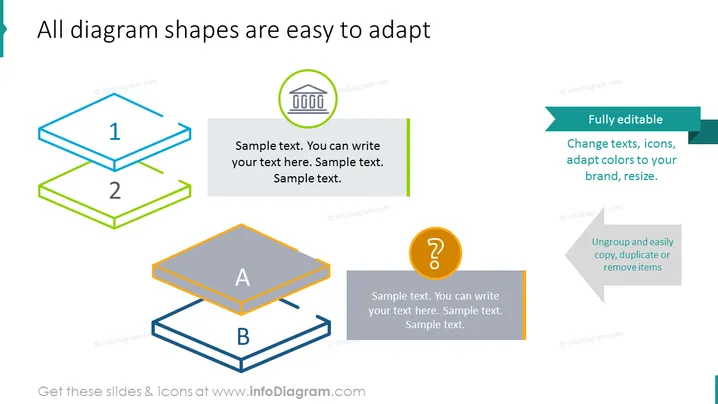
Die PowerPoint-Folie ist so gestaltet, dass sie die Leichtigkeit der Anpassung von Diagrammformen demonstriert. Die Folie präsentiert zwei Gruppen von Diagrammen, die von '1' bis '2' und von 'A' bis 'B' beschriftet sind, und verdeutlicht das Konzept der Anpassungsfähigkeit durch visuelle Elemente, die Bearbeitungsmöglichkeiten suggerieren – sie zeigen, wie Benutzer Formen, Texte und Farben bearbeiten können. Begleitender Text deutet darauf hin, dass diese Diagramme vollständig bearbeitbar sind und zeigt an, dass Benutzer die Flexibilität haben, Texte, Icons zu ändern, Farben an ihre Marke anzupassen und die Elemente zu skalieren. Zusätzlich gibt es einen Text, der anzeigt, dass Elemente gruppiert und leicht kopiert, dupliziert oder entfernt werden können, was die benutzerfreundliche Natur der Diagramme betont.
Das Gesamterscheinungsbild der Folie ist professionell, mit einem strukturierten Layout, das Klarheit fördert und die Anpassungsfähigkeit durch visuelle Metaphern und Icons betont.




