
Your graphics add a nice touch to my presentations and I recently used them for one of my all-hands meetings. Your toolbox adds professionalism to my slides. Instead of using standard clipart.
Claude Jones, Director of Engineer, @Walmartlabs, USA
Your graphics add a nice touch to my presentations and I recently used them for one of my all-hands meetings. Your toolbox adds professionalism to my slides. Instead of using standard clipart.
Claude Jones, Director of Engineer, @Walmartlabs, USA
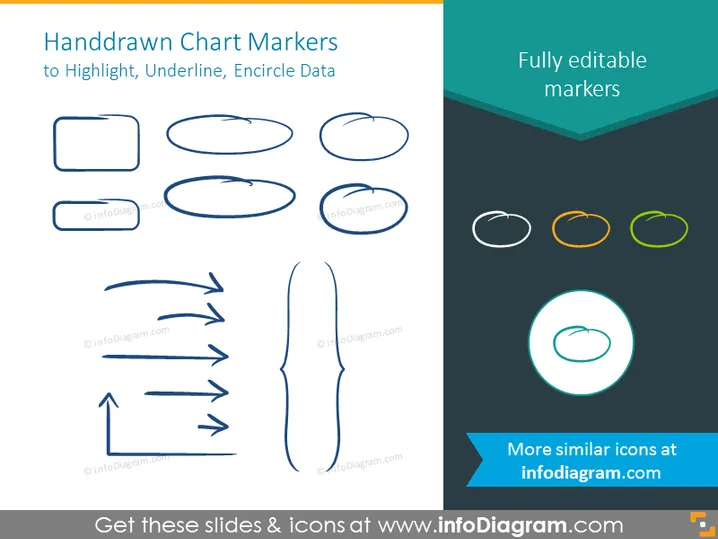
I needed a fresh look at some of my slides. I've tried to find a way to create a paintbrush effect, to underline, accentuate, add some color and the handwritten markers were just the things. Very easy to use, easy to size, change the color. It was an affordable, perfect solution and I'm happy to recommend it.
Anonymous, US
The crisp, clean look of the graphics, and the fact that it allowed me to easily edit and change the colors to match the template was my main reason for purchasing them.
Brandie Jenkins, E-learning Developer, USA
Die PowerPoint-Folie trägt den Titel "Handgezeichnete Diagramm-Markierungen" und soll grafische Elemente präsentieren, die verwendet werden, um Daten in Präsentationen hervorzuheben, zu unterstreichen oder einzukreisen. Der Folieninhalt deutet auf den Nutzen dieser Markierungen hin – sie sind nicht nur visuelle Akzente, sondern gezielte Werkzeuge, um die Aufmerksamkeit des Publikums auf wichtige Punkte oder Daten zu lenken. Die Markierungen sind als vollständig bearbeitbar beschrieben, was bedeutet, dass sie an die spezifischen Bedürfnisse oder Farbgebung der Präsentation angepasst werden können, in der sie verwendet werden sollen.
Das gesamte Aussehen ist schlank und modern, mit einem kreativen Twist durch den handgezeichneten Effekt der Markierungen. Das Design der Folie balanciert Weißraum und grafische Elemente effektiv und sorgt für eine saubere und übersichtliche visuelle Anziehungskraft.




