
Your graphics add a nice touch to my presentations and I recently used them for one of my all-hands meetings. Your toolbox adds professionalism to my slides. Instead of using standard clipart.
Claude Jones, Director of Engineer, @Walmartlabs, USA
Your graphics add a nice touch to my presentations and I recently used them for one of my all-hands meetings. Your toolbox adds professionalism to my slides. Instead of using standard clipart.
Claude Jones, Director of Engineer, @Walmartlabs, USA
I needed a fresh look at some of my slides. I've tried to find a way to create a paintbrush effect, to underline, accentuate, add some color and the handwritten markers were just the things. Very easy to use, easy to size, change the color. It was an affordable, perfect solution and I'm happy to recommend it.
Anonymous, US
The crisp, clean look of the graphics, and the fact that it allowed me to easily edit and change the colors to match the template was my main reason for purchasing them.
Brandie Jenkins, E-learning Developer, USA
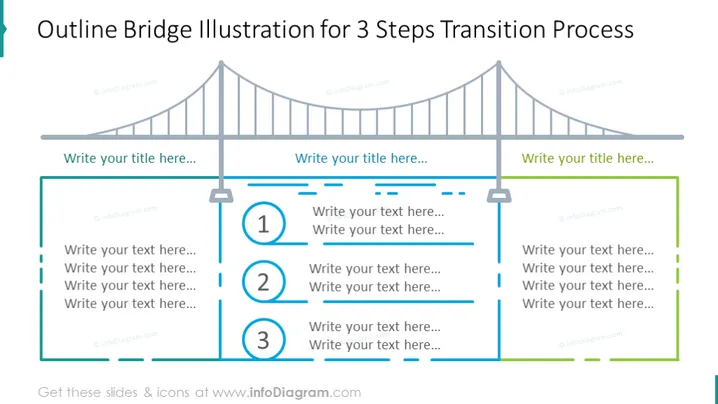
Die PowerPoint-Folie präsentiert eine metaphorische Darstellung eines dreistufigen Prozesses mithilfe einer Umriss-Brückenillustration. Die drei Schritte sind durch auf den Kabeln der Brücke ruhende Säulen gekennzeichnet, die jeweils eine Nummer (1, 2 und 3) und Platz für beschreibenden Text haben. Der Prozess deutet auf eine Fortschreitung von einer Phase zur nächsten hin, was einen Übergangsfluss analog zum Überqueren einer Brücke erleichtert und die Verbindung zwischen den Sequenzphasen betont.




