

Your graphics add a nice touch to my presentations and I recently used them for one of my all-hands meetings. Your toolbox adds professionalism to my slides. Instead of using standard clipart.
Claude Jones, Director of Engineer, @Walmartlabs, USA

Your graphics add a nice touch to my presentations and I recently used them for one of my all-hands meetings. Your toolbox adds professionalism to my slides. Instead of using standard clipart.
Claude Jones, Director of Engineer, @Walmartlabs, USA
I needed a fresh look at some of my slides. I've tried to find a way to create a paintbrush effect, to underline, accentuate, add some color and the handwritten markers were just the things. Very easy to use, easy to size, change the color. It was an affordable, perfect solution and I'm happy to recommend it.
Anonymous, US
The crisp, clean look of the graphics, and the fact that it allowed me to easily edit and change the colors to match the template was my main reason for purchasing them.
Brandie Jenkins, E-learning Developer, USA
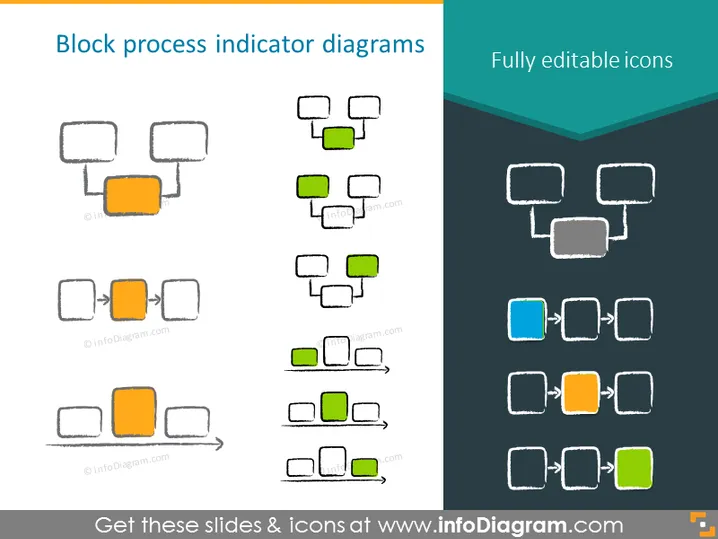
Die PowerPoint-Folie zeigt verschiedene "Blockprozessindikator-Diagramme", die im Wesentlichen Flussdiagramme oder Schrittfolgen mit rechteckigen Blöcken sind. Diese Blöcke sind durch Pfeile verbunden, die den Fluss oder die Reihenfolge der Prozesse anzeigen. Die Diagramme variieren in der Anzahl der Schritte und Konfigurationen und zeigen die Vielseitigkeit solcher Diagramme bei der Darstellung von Prozessen. Einige sind linear, während andere sich verzweigen, und die hervorgehobenen (farbigen) Blöcke deuten auf einen Fokus auf bestimmte Phasen oder Schlüsselprozesse innerhalb der Gesamtfolge hin.
Das Gesamtbild der Folie ist relativ einfach, mit einem sauberen und organisierten Erscheinungsbild, das es dem Betrachter ermöglicht, sich auf den schrittweisen Fluss zu konzentrieren, der durch die Diagramme veranschaulicht wird. Der skizzenhafte Stil fügt ein Element von Informalität und Leichtigkeit hinzu, was den Inhalt zugänglicher machen könnte.



