

Your graphics add a nice touch to my presentations and I recently used them for one of my all-hands meetings. Your toolbox adds professionalism to my slides. Instead of using standard clipart.
Claude Jones, Director of Engineer, @Walmartlabs, USA

Your graphics add a nice touch to my presentations and I recently used them for one of my all-hands meetings. Your toolbox adds professionalism to my slides. Instead of using standard clipart.
Claude Jones, Director of Engineer, @Walmartlabs, USA
I needed a fresh look at some of my slides. I've tried to find a way to create a paintbrush effect, to underline, accentuate, add some color and the handwritten markers were just the things. Very easy to use, easy to size, change the color. It was an affordable, perfect solution and I'm happy to recommend it.
Anonymous, US
The crisp, clean look of the graphics, and the fact that it allowed me to easily edit and change the colors to match the template was my main reason for purchasing them.
Brandie Jenkins, E-learning Developer, USA
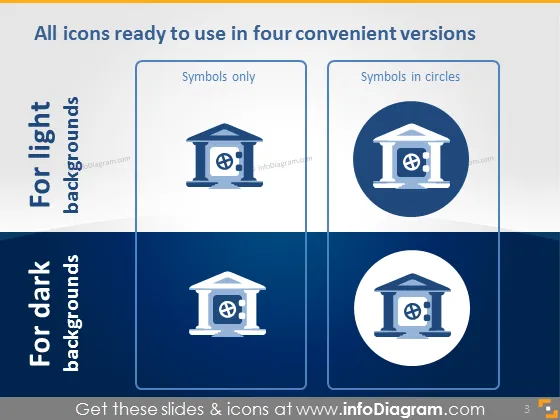
Die PowerPoint-Folie präsentiert vier Versionen von Symbolen, die auf unterschiedliche Hintergrundfarben zugeschnitten sind, insbesondere helle und dunkle Hintergründe. "Nur Symbole" bezieht sich auf die grundlegendste Form, die nur das Symbol ohne zusätzliche Designelemente enthält. "Symbole in Kreisen" zeigt das Symbol innerhalb eines kreisförmigen Hintergrunds und bietet eine deutliche visuelle Grenze, die die Sichtbarkeit und den Fokus auf das Symbol selbst verbessern kann.
Das Gesamtbild der Folie ist sauber und professionell, mit einem gut strukturierten Layout, das einen einfachen Vergleich zwischen Symbolstilen ermöglicht. Die Verwendung von monochromatischen Blautönen sorgt für eine kohärente visuelle Ästhetik.



