

Your graphics add a nice touch to my presentations and I recently used them for one of my all-hands meetings. Your toolbox adds professionalism to my slides. Instead of using standard clipart.
Claude Jones, Director of Engineer, @Walmartlabs, USA

Your graphics add a nice touch to my presentations and I recently used them for one of my all-hands meetings. Your toolbox adds professionalism to my slides. Instead of using standard clipart.
Claude Jones, Director of Engineer, @Walmartlabs, USA
I needed a fresh look at some of my slides. I've tried to find a way to create a paintbrush effect, to underline, accentuate, add some color and the handwritten markers were just the things. Very easy to use, easy to size, change the color. It was an affordable, perfect solution and I'm happy to recommend it.
Anonymous, US
The crisp, clean look of the graphics, and the fact that it allowed me to easily edit and change the colors to match the template was my main reason for purchasing them.
Brandie Jenkins, E-learning Developer, USA
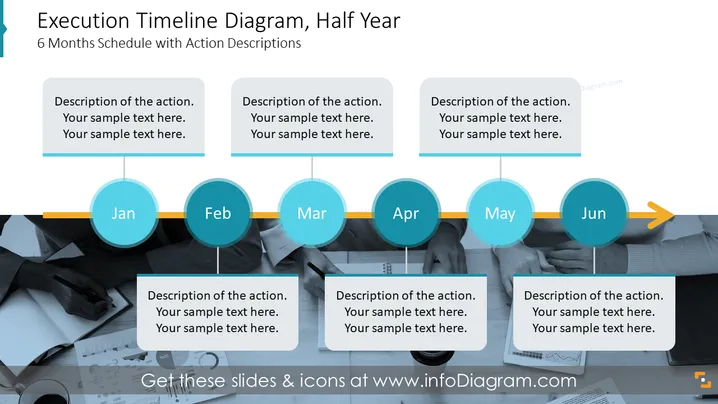
Die PowerPoint-Folie mit dem Titel "Ausführungszeitplan-Diagramm, Halbjahr" zeigt einen sechsmonatigen Zeitplan mit Platzhaltern für Aktionsbeschreibungen. Jeder Monat, der von Januar bis Juni gekennzeichnet ist, hat ein entsprechendes Textfeld für Details. Diese Textfelder laden den Benutzer ein, wichtige Maßnahmen oder Meilensteine in monatlichen Abständen zu detaillieren. Die Folie vermittelt einen organisierten Ansatz, um Projektzeitpläne, bedeutende Ereignisse oder Schritte in einem Prozess über einen Zeitraum von sechs Monaten zu veranschaulichen, wobei Klarheit und Struktur für die beabsichtigte Zielgruppe gewährleistet werden.
Die Folie nutzt ein professionelles und sauberes Design mit einem harmonischen Farbschema, das Lesbarkeit und Fokus betont. Die visuellen Elemente wie die Zeitlinie, kreisförmige Monatsmarker und beschreibende Textkästchen sind klar angeordnet, um den Betrachter durch den Inhalt zu führen.



