

Your graphics add a nice touch to my presentations and I recently used them for one of my all-hands meetings. Your toolbox adds professionalism to my slides. Instead of using standard clipart.
Claude Jones, Director of Engineer, @Walmartlabs, USA

Your graphics add a nice touch to my presentations and I recently used them for one of my all-hands meetings. Your toolbox adds professionalism to my slides. Instead of using standard clipart.
Claude Jones, Director of Engineer, @Walmartlabs, USA
I needed a fresh look at some of my slides. I've tried to find a way to create a paintbrush effect, to underline, accentuate, add some color and the handwritten markers were just the things. Very easy to use, easy to size, change the color. It was an affordable, perfect solution and I'm happy to recommend it.
Anonymous, US
The crisp, clean look of the graphics, and the fact that it allowed me to easily edit and change the colors to match the template was my main reason for purchasing them.
Brandie Jenkins, E-learning Developer, USA
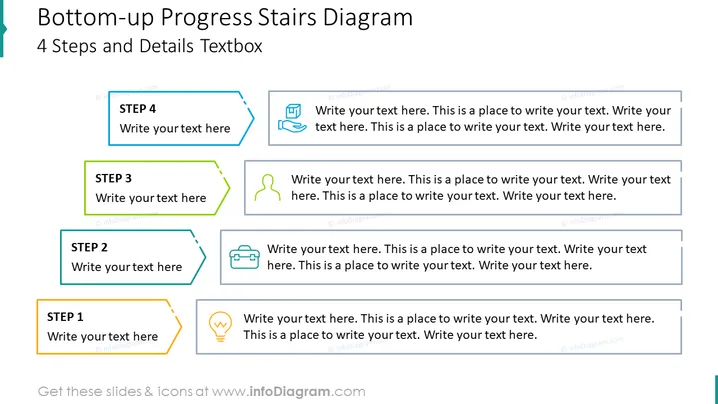
Die Folie scheint ein "Bottom-up Progress Stairs Diagram" zu präsentieren, das einen vierstufigen Prozess skizziert. Jeder Schritt wird durch ein farbiges, nummeriertes Feld mit einem Icon daneben dargestellt, und angrenzende Textplatzhalter fordern das Publikum auf, "Schreiben Sie hier Ihren Text". Diese Art von Layout wird typischerweise verwendet, um einen Fortschritt oder sequenzielle Schritte innerhalb eines Projekts oder einer Strategie zu veranschaulichen. Jeder Schritt soll eine kurze Beschreibung oder Detail des Prozesses liefern, den er repräsentiert, und hilft, komplexe Informationen in handlichere Teile zu zerlegen.
Die Folie weist ein modernes und sauberes Design auf, mit einer klaren Hierarchie, die das Auge des Betrachters die "Treppe" hinaufführt. Der Einsatz von Icons fördert das visuelle Interesse und bietet eine schnelle symbolische Darstellung des Inhalts jedes Schrittes.



